
Hi everyone, in this new article we’re going to install Oracle Database 12c, but first I want to explain a bit, mainly for those who don’t know, what a database is.
I’ll summarize some of what the beginning of Oracle’s own documentation says…
I imagine you work for a company, and this company has a certain volume of information. This information needs to be stored somewhere. In the old days it was paper cards and forms kept in those filing cabinets with hanging folders, remember? (well, I’m not old enough to remember much of that time, hehehe). Whoever wanted access to that information had to open the drawer with the information they wanted and look it up there, physically present. If a branch or a person far from the company headquarters wanted the same information, it wasn’t so easy. Nowadays (well, not so recently, since Oracle Database has existed since 1979, already in its second version) this information is stored in databases. To extract or insert information in that database you need an information system, which is responsible for handling and processing it. A database is an organized collection of information treated as a unit. The purpose of a database is to collect, store and retrieve information to be used by database applications.
A DBMS (Database Management System) is a program that controls the storage, organization and retrieval of data.
We also have the RDBMS (Relational Database Management System). This concept was introduced by Dr. E. F. Codd in his 1970 scientific paper “A Relational Model of Data for Large Shared Data Banks”. Following this model, a relational database has the following main aspects: well-defined objects to store or access data in a database, clear actions that allow applications to manipulate the data and the structure of the database, and also integrity rules that place limits on operations on the data and structures.
In an RDBMS, operations are divided into two types: logical and physical. In logical operations an application specifies what content is required; for example, your company wants to know the employee code for Juca. In physical operations, the RDBMS determines how things will be done and takes care of the operation; for example, before the application queries a table, the database may use an index to find the requested rows, read the data directly from memory and perform many other steps before returning the result to the application and then to the user.
Oracle Database is an RDBMS. An RDBMS that implements object-oriented features such as user-defined types, inheritance and polymorphism is called an Object-Relational Database Management System (ORDBMS). Oracle Database has extended the relational model into an object-relational model, making it possible to store complex business models in a relational database.
Installing Oracle Database 12c
This installation will be done on the Oracle Enterprise Linux 6.4 operating system, in the environment where we installed and configured Grid Infrastructure 12c in the previous articles. To install your Linux you can follow this article, and to install Grid Infrastructure 12c you can follow this article. If you want to know a bit more about ASM, which is one of the components of GI12c, you can read this article.
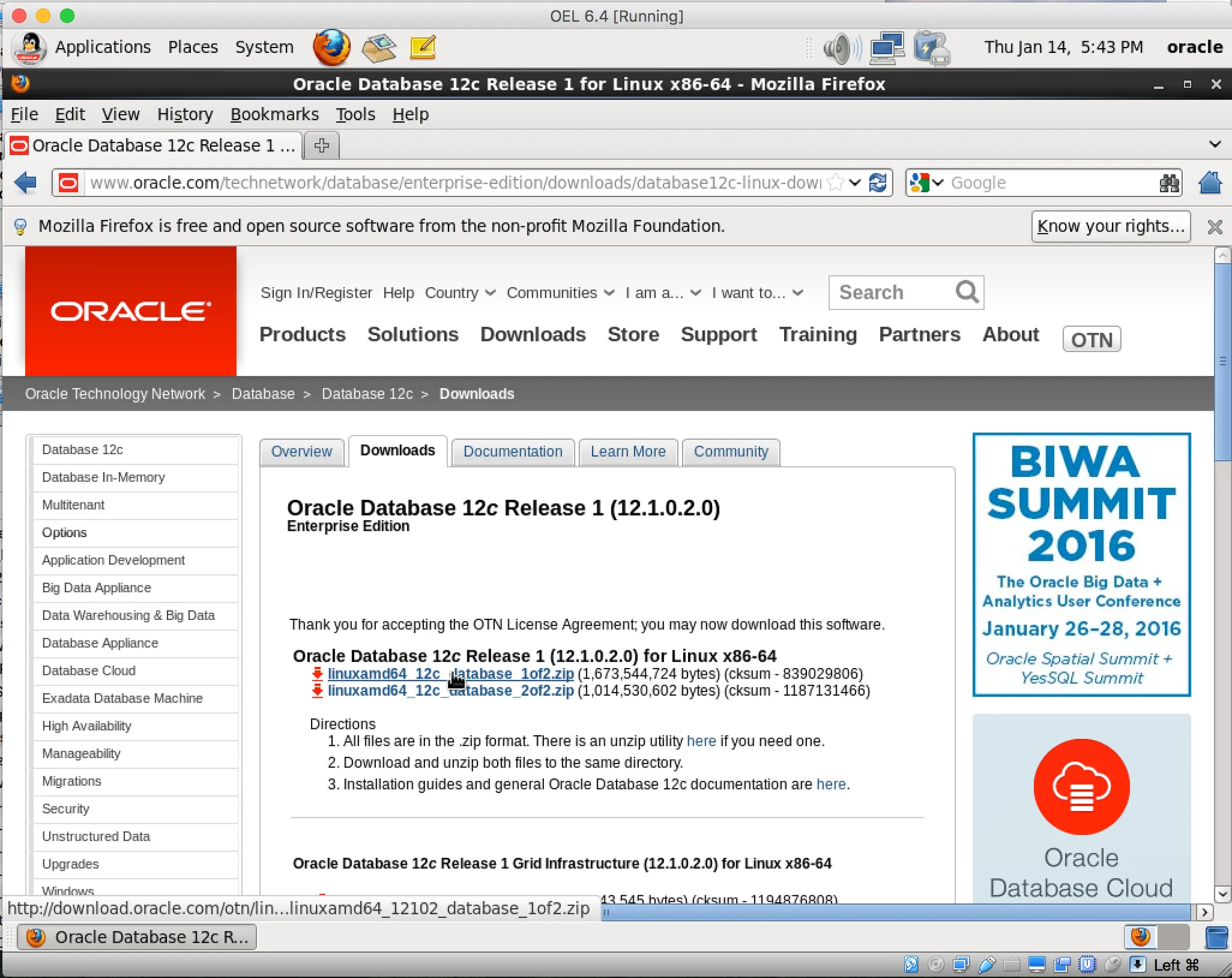
For the installation we’re about to start, we need to download the following media:
Let’s get to the installation…
1 – Start your VM, log in as the oracle user, open Firefox, download the two installation media files and choose the option to save the file.
2 – After the download finishes, move the files to the /u01 directory, go to that directory and unzip them.
$ mv /home/oracle/Downloads/linuxamd64_12102_database_* /u01
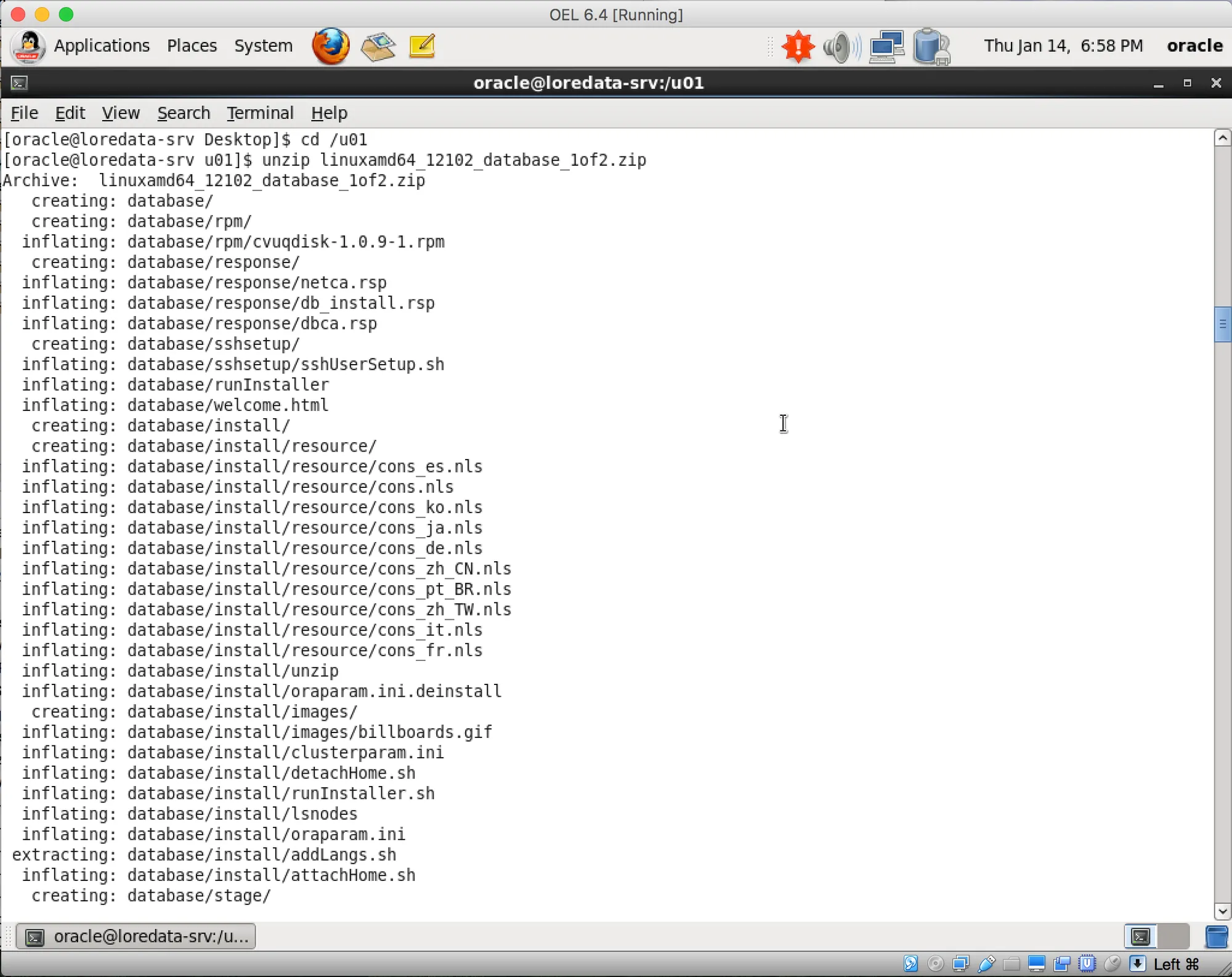
$ cd /u01
$ unzip linuxamd64_12102_database_1of2.zip
$ unzip linuxamd64_12102_database_2of2.zip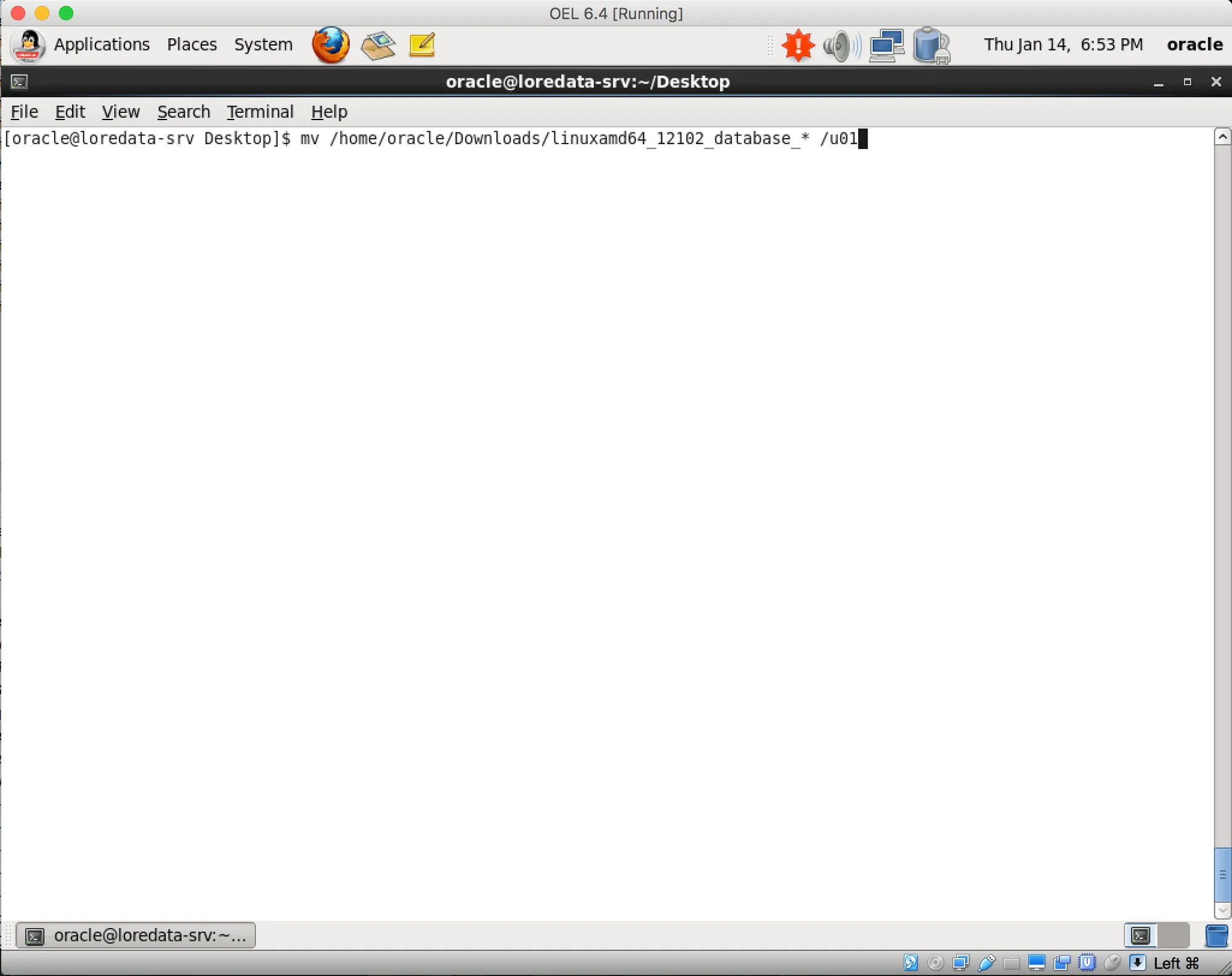
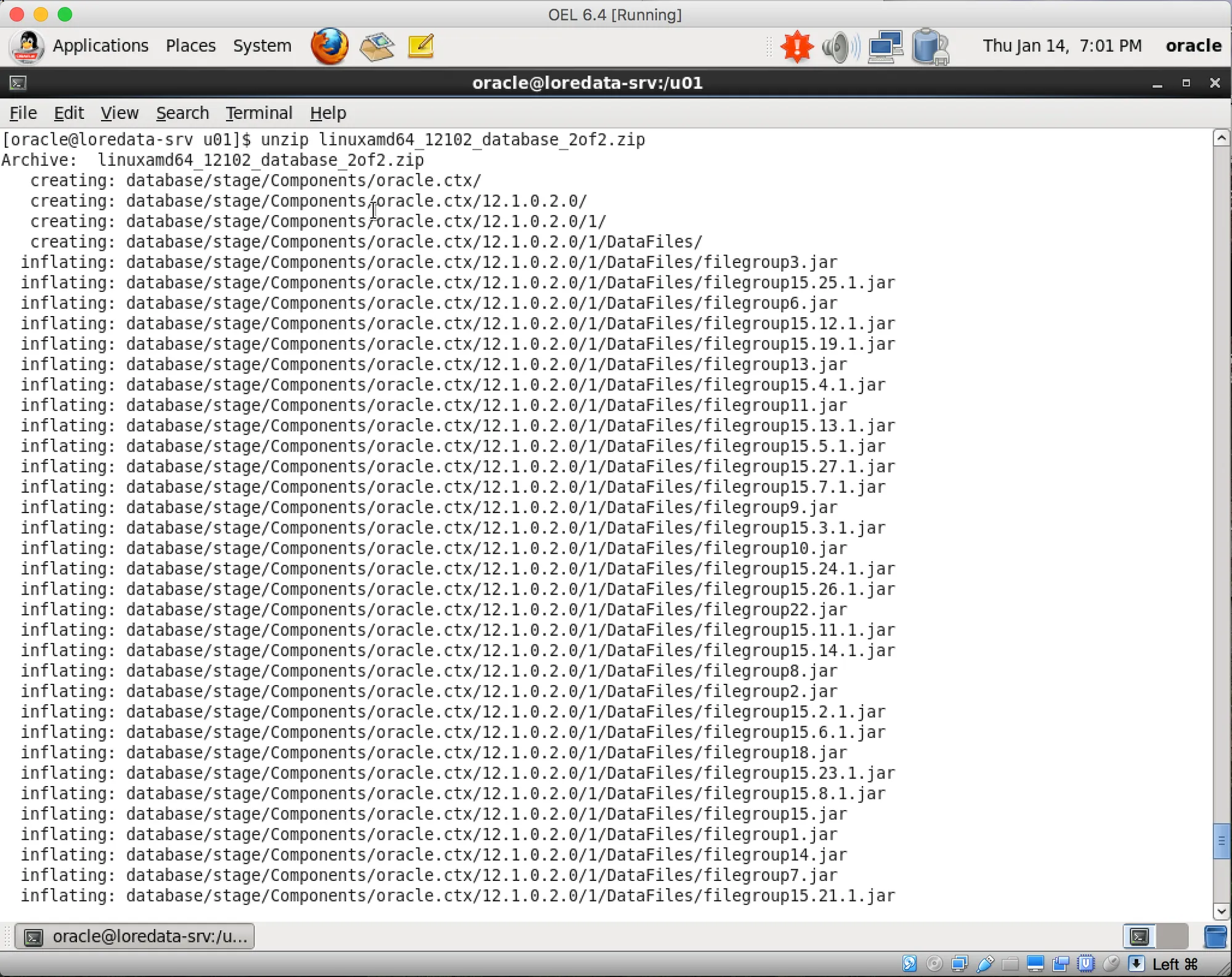
3 – After the unzip is done, navigate to the /u01/database directory and start the installer.
$ cd /u01/database
$ ./runInstaller
4 – Follow the steps below to install Oracle Database 12c.
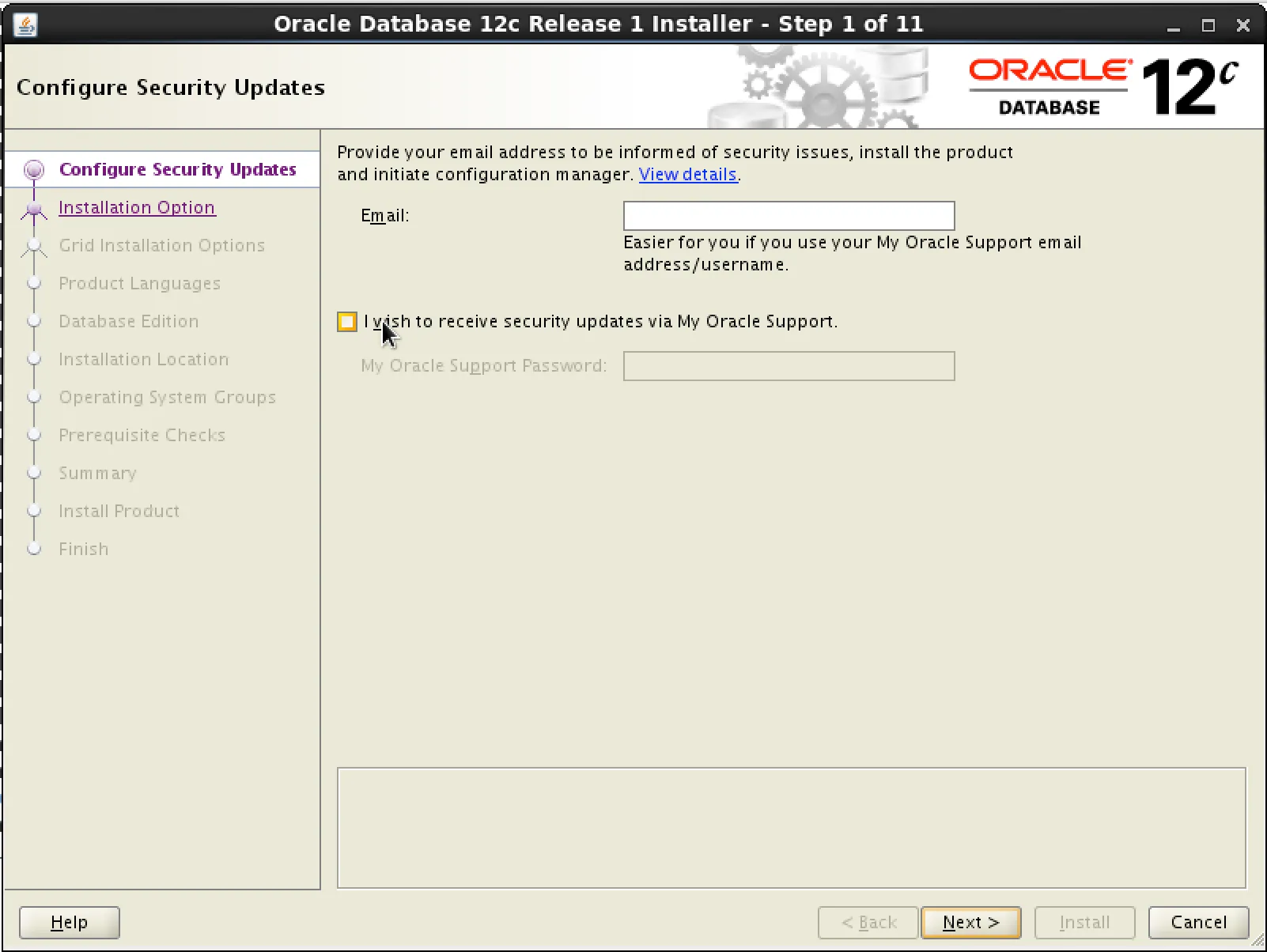
4.1 Uncheck the option and move on, then confirm with yes
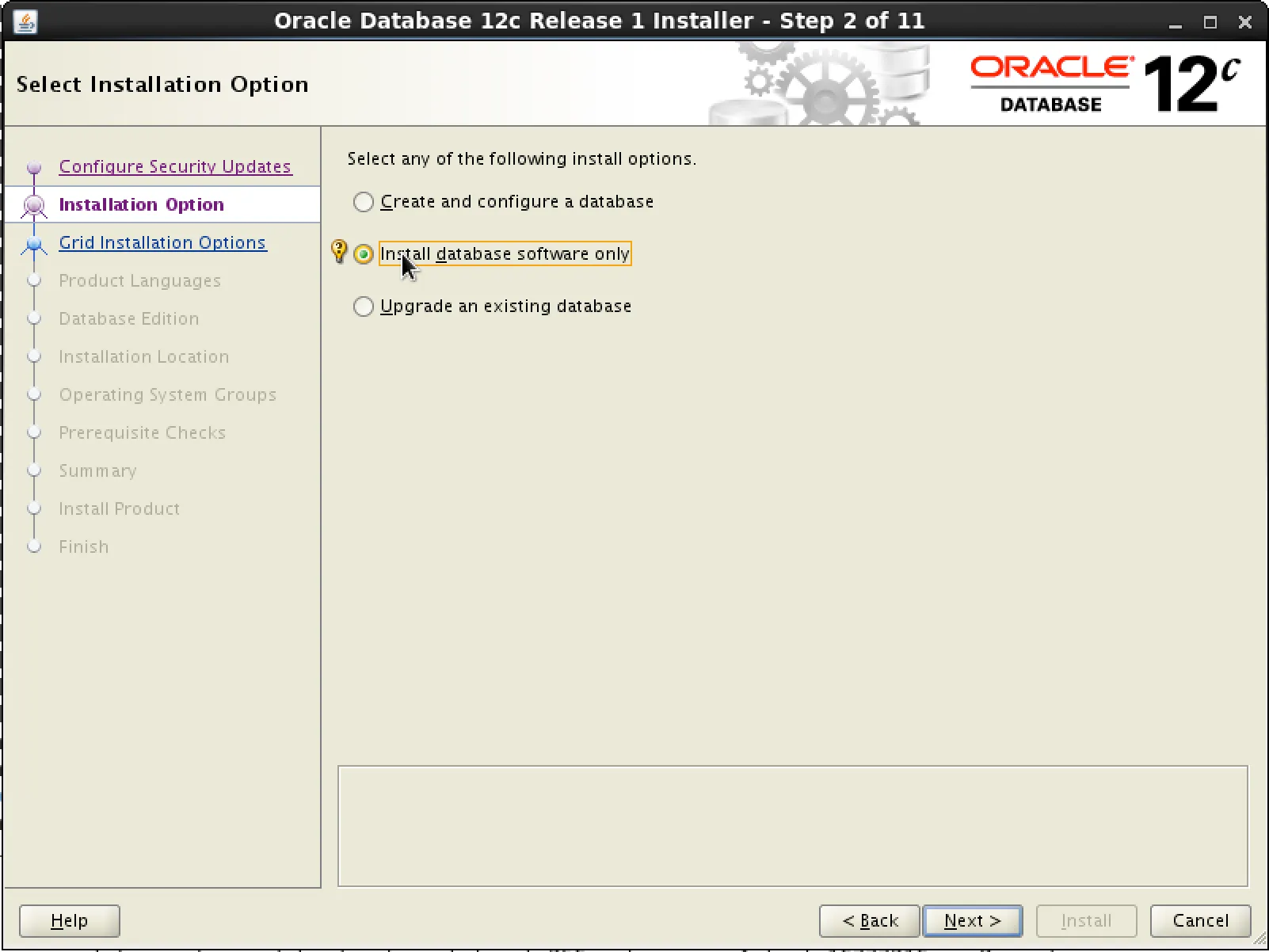
4.2 Select to install the Database software only
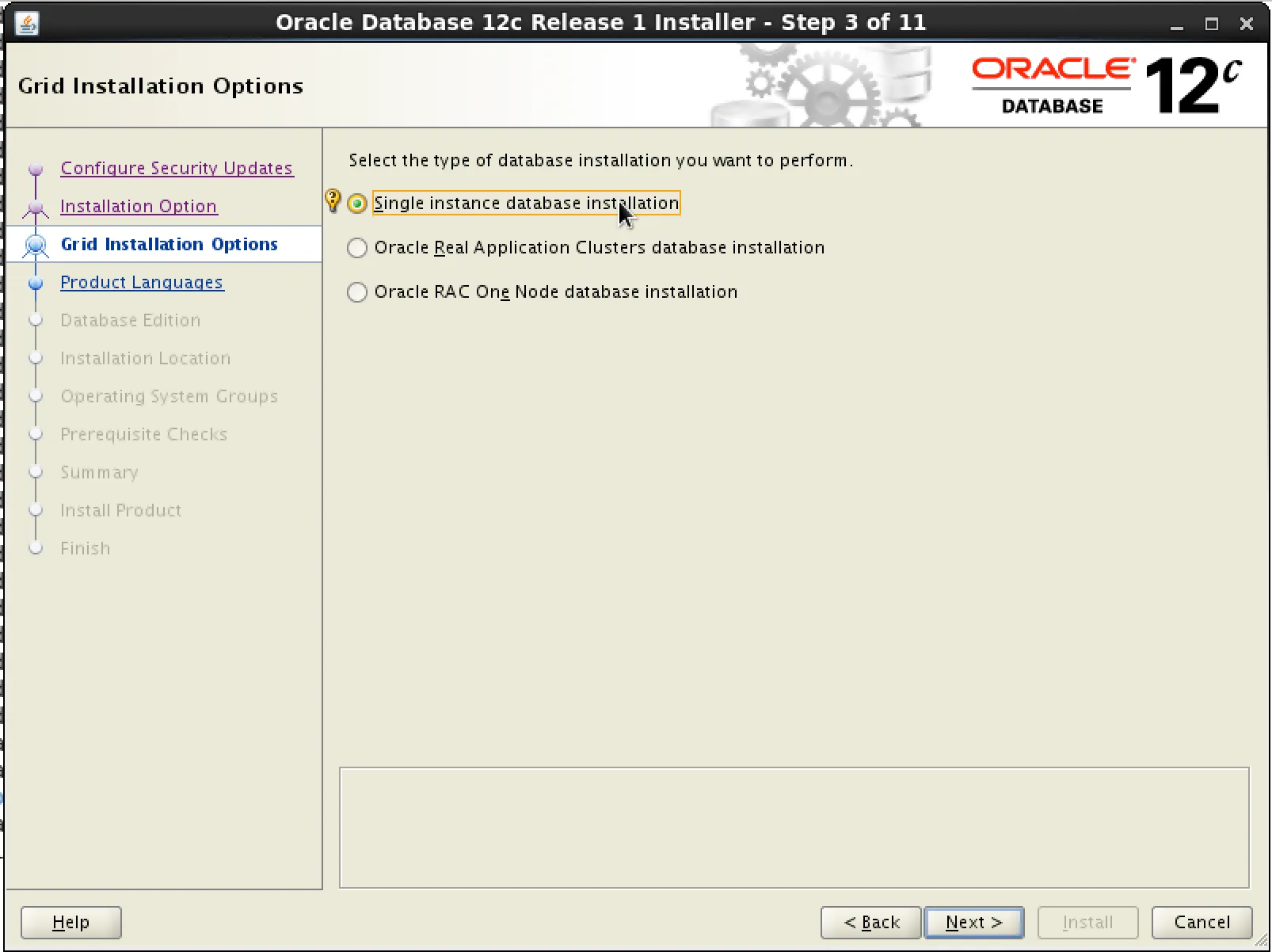
4.3 Choose the Single Instance option
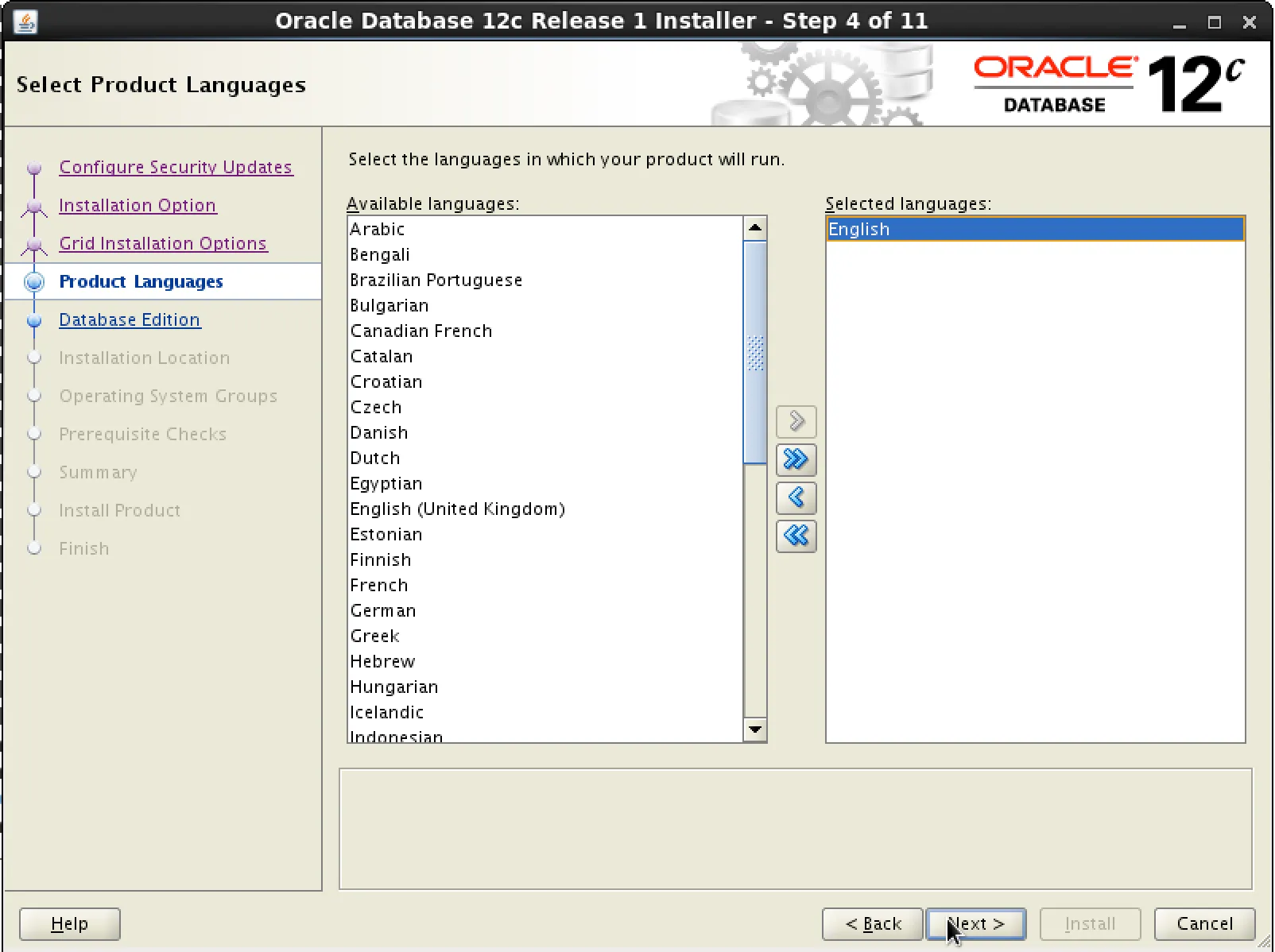
4.4 Choose a language (English is preferable)
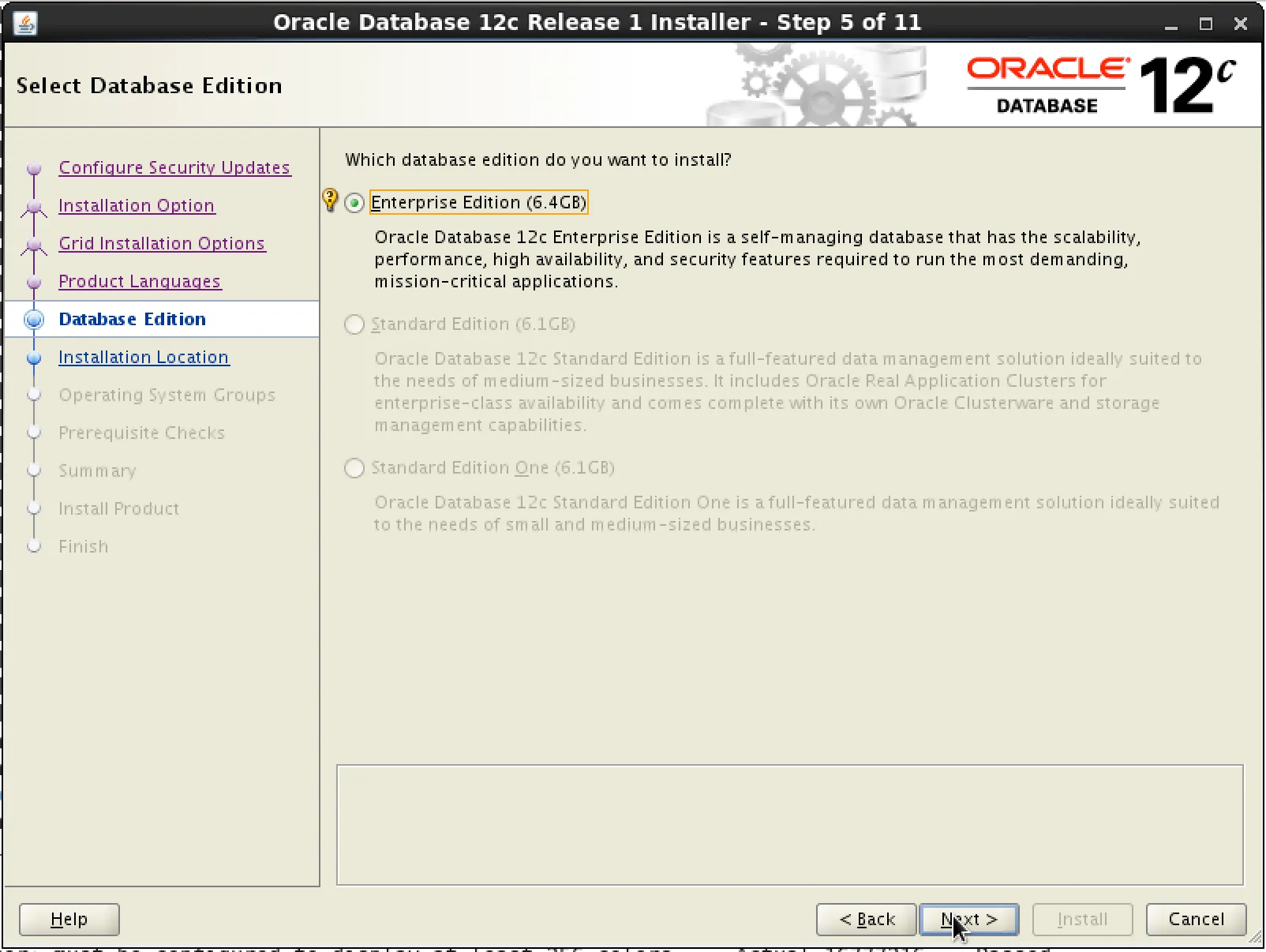
4.5 Leave Enterprise Edition checked, since it is the only one available
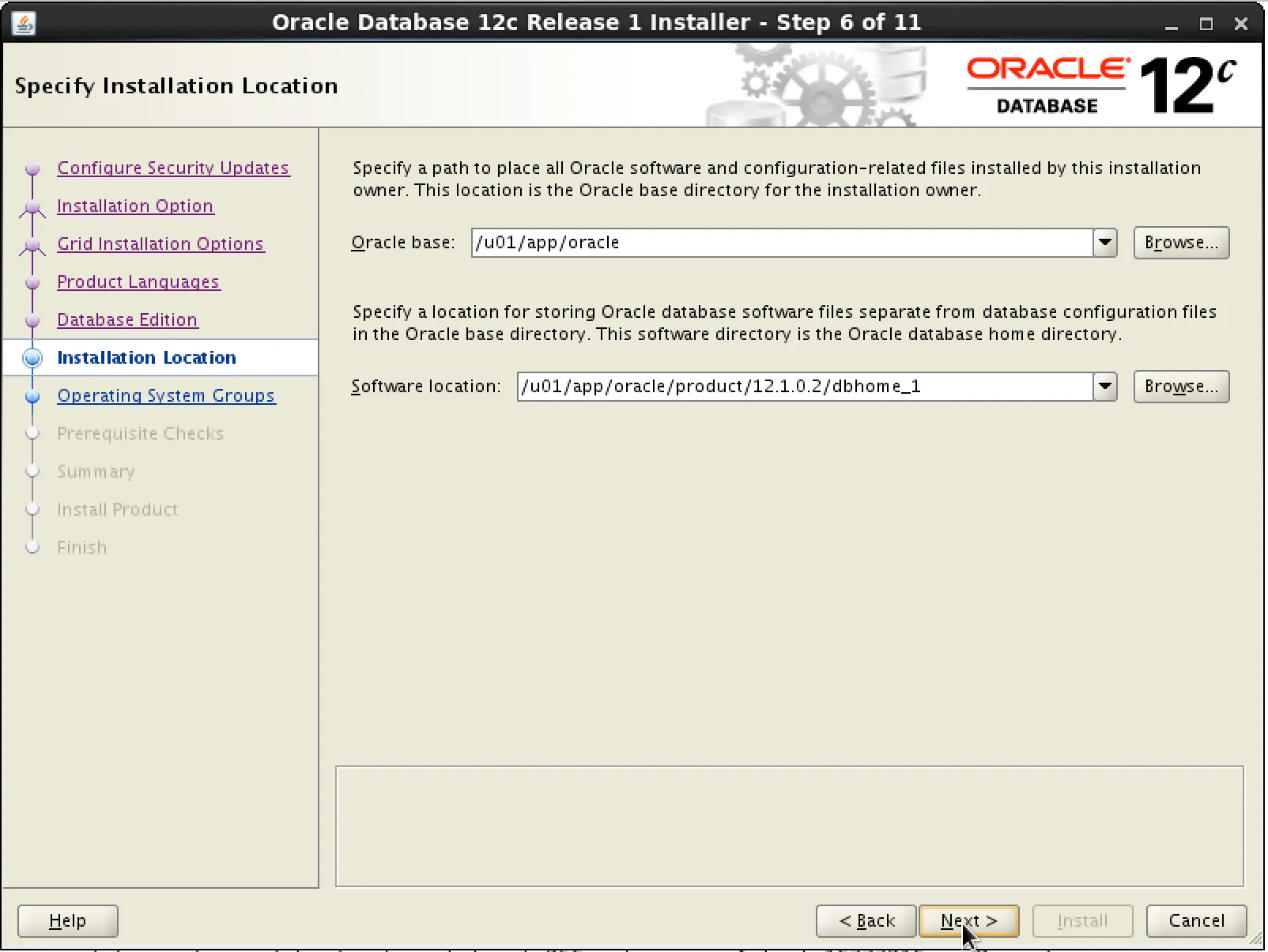
4.6 Configure the directories as shown in the image and move on
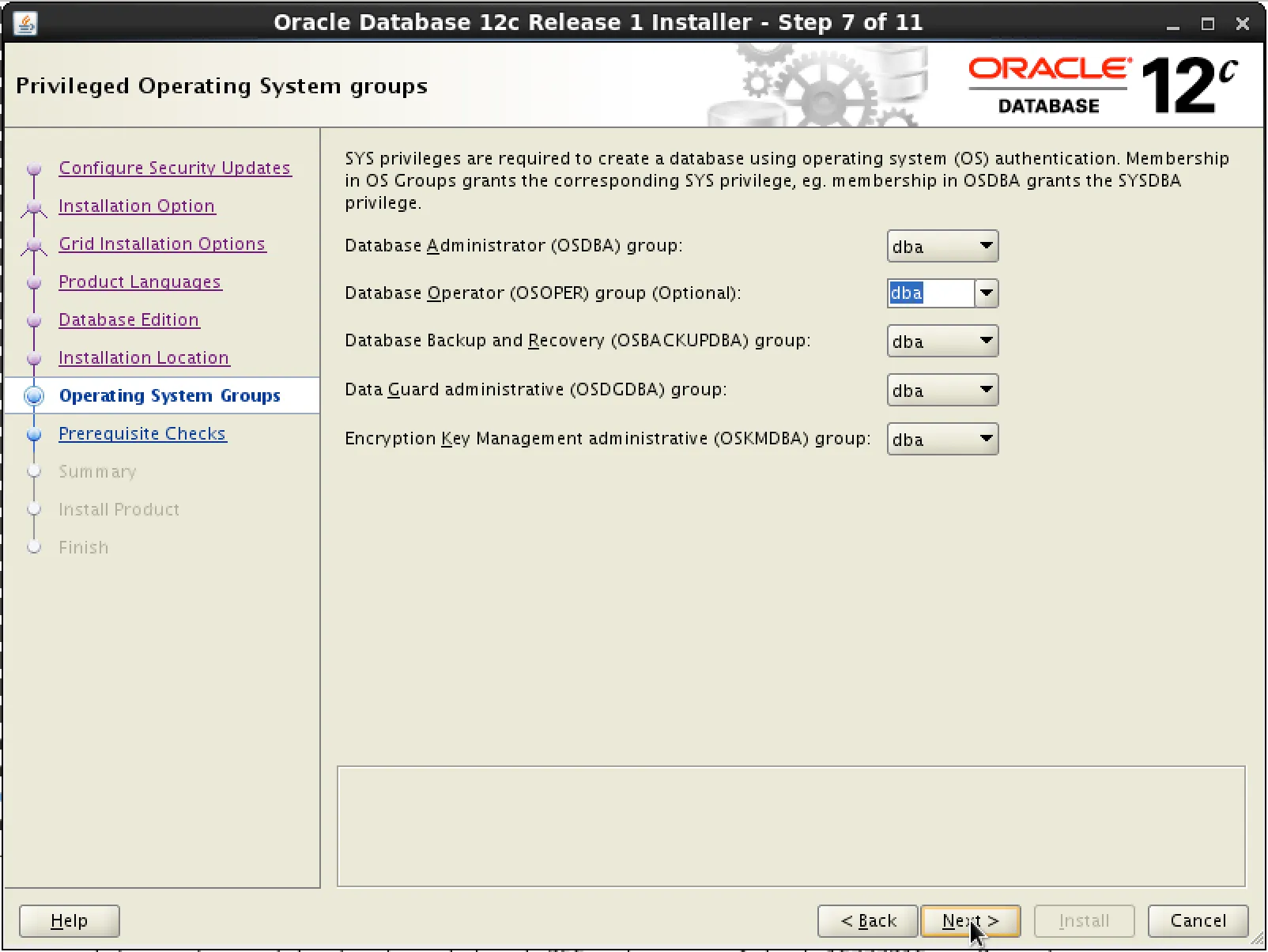
4.7 Set the groups to your preference or as shown in the image
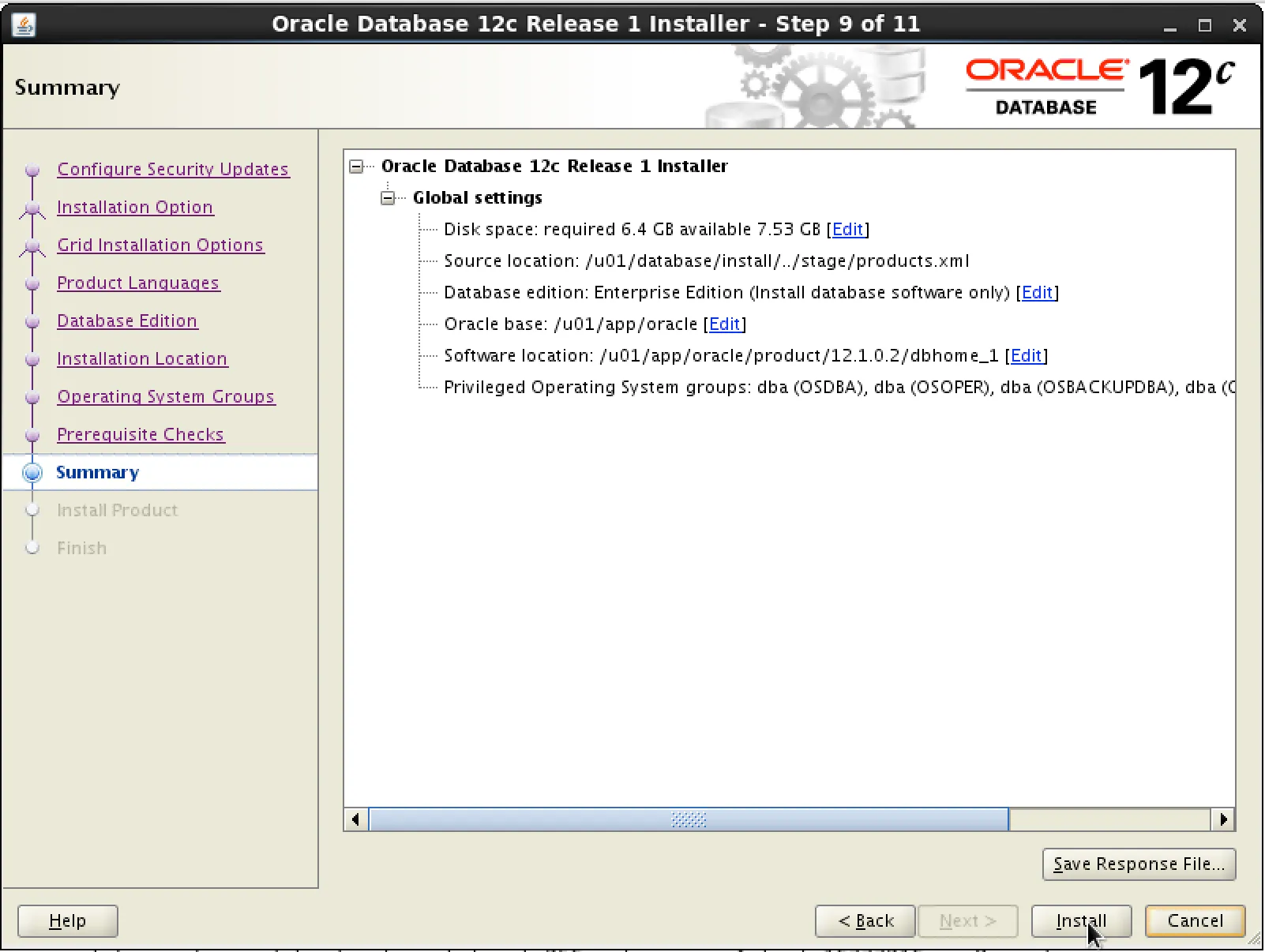
4.8 If there are no missing prerequisites, the installer will go straight to this screen, so just click to install
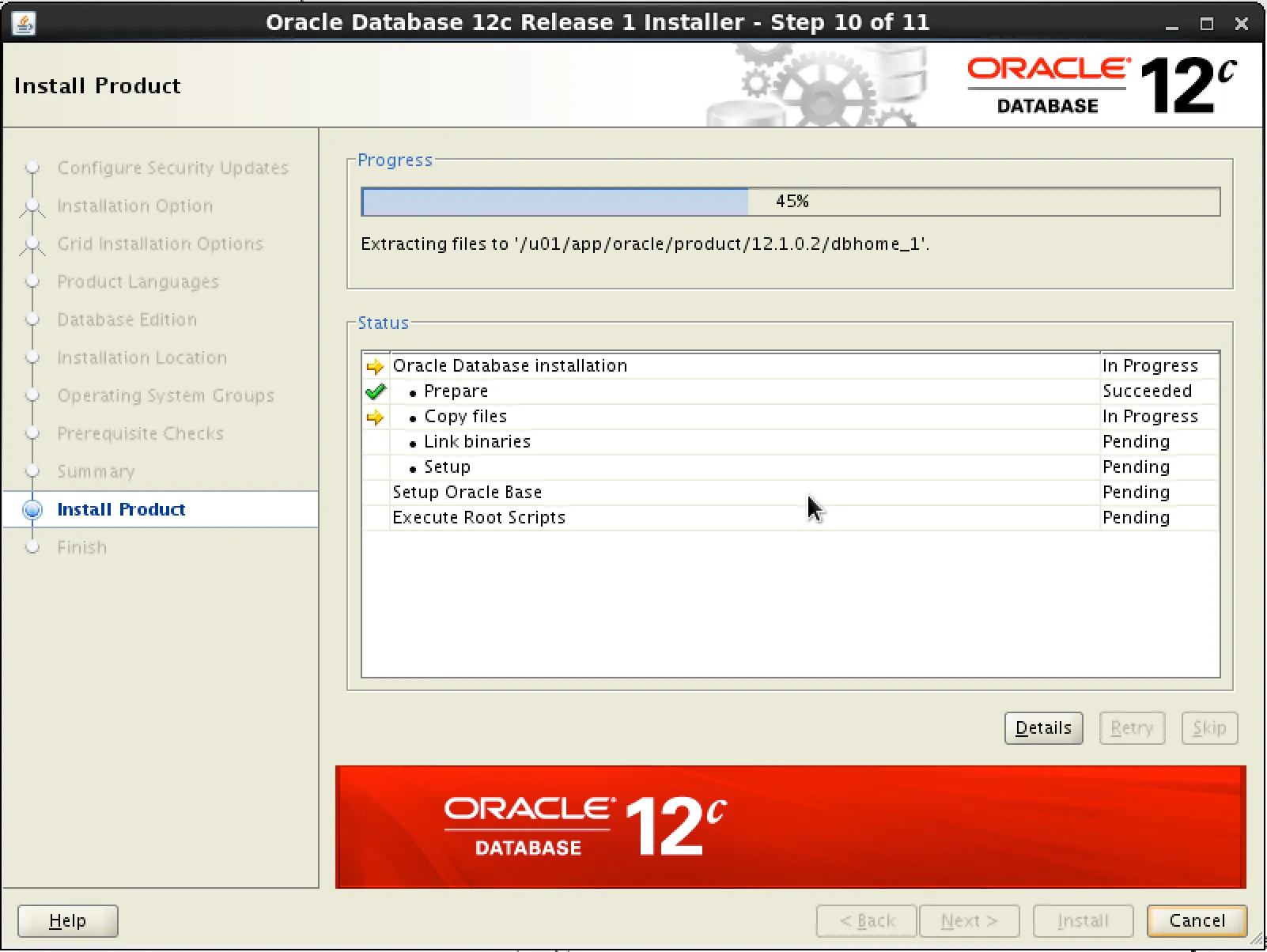
4.9 The installation proceeds without problems
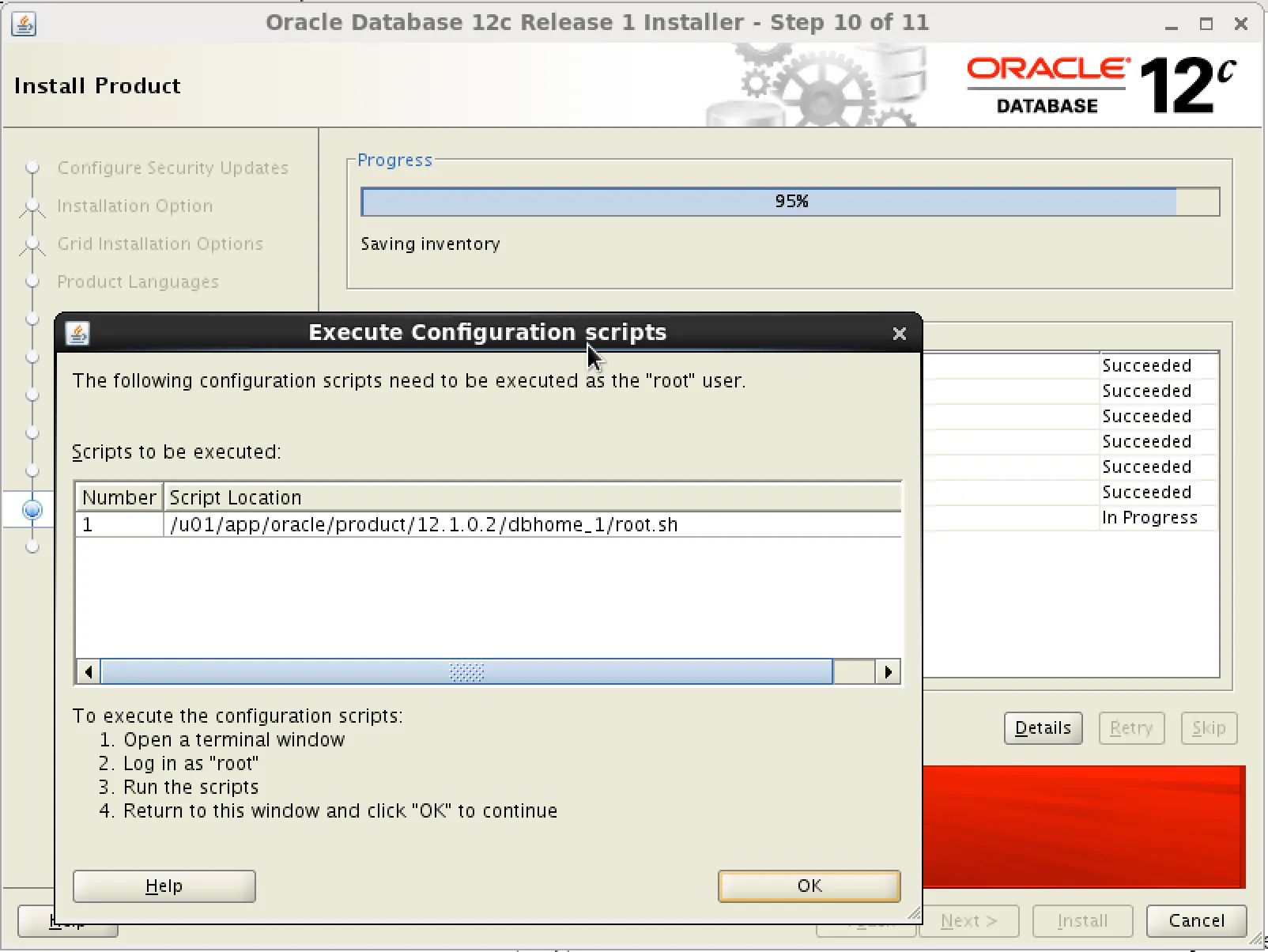
4.10 When it reaches 95%, do NOT click ok before running the requested script
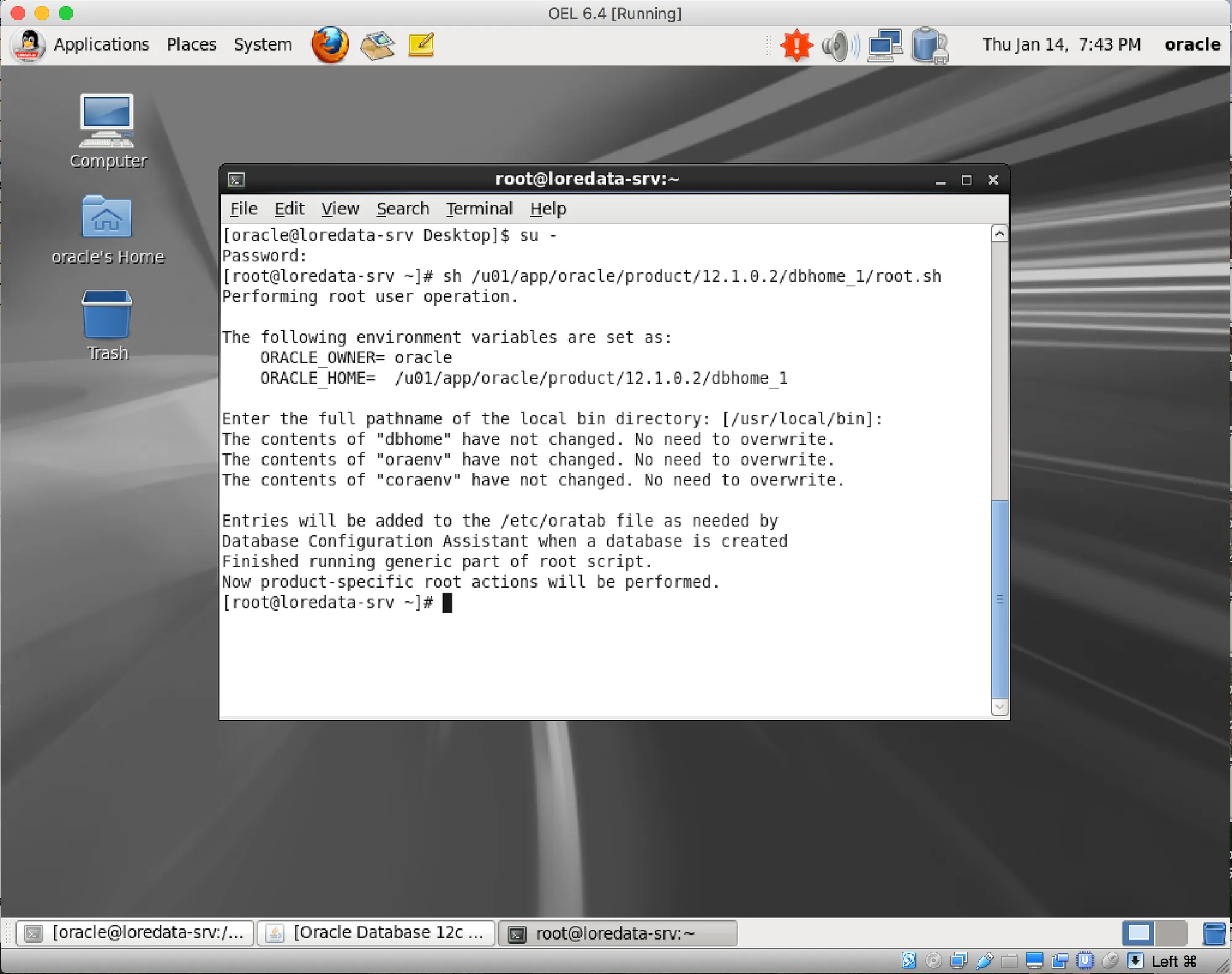
4.11 Open a new terminal and run the commands as instructed in the image, then go back to the installer and click ok to finish the installation
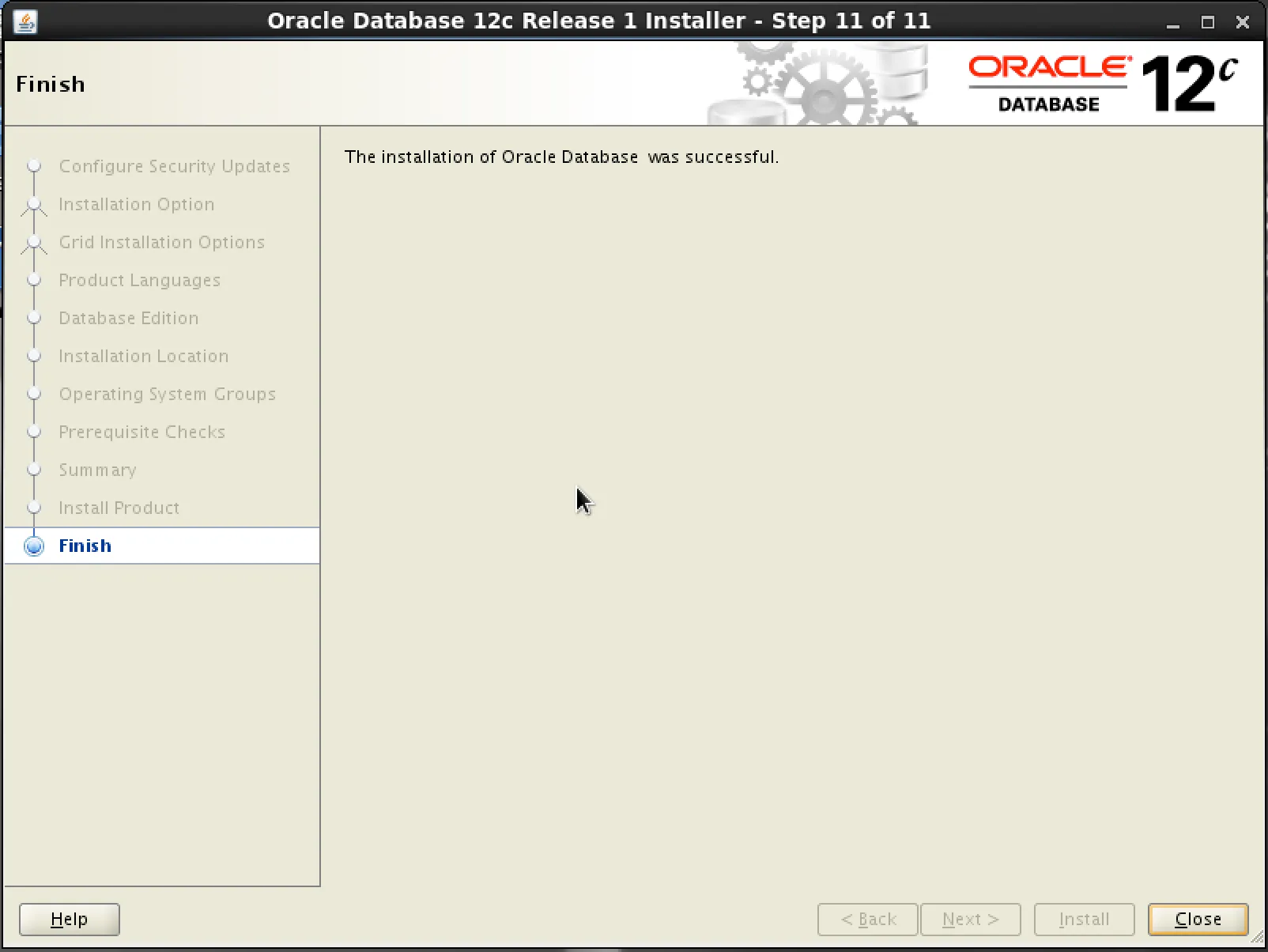
4.12 Installation completed successfully.
Since we had already done all the Linux configuration to install Grid Infrastructure, we don’t need to configure anything else to install Oracle Database. If you have any problems, please leave a comment.
In the next article we’ll create the database. See you then.
References
http://docs.oracle.com/database/121/CNCPT/intro.htm#CNCPT88783
Essa instalação do Oracle não tem alguma opção de instalação via command-line? Precisa usar interface gráfica no Linux só pra instalar o Oracle?