
Hi everyone, in this brief post we’ll see how to configure the network needed for our virtualization infrastructure with Oracle VM.
We access the Oracle VM Manager console and, in the “Network” tab, we configure what we need at the network layer.
Follow the step by step below to configure the environment’s network.
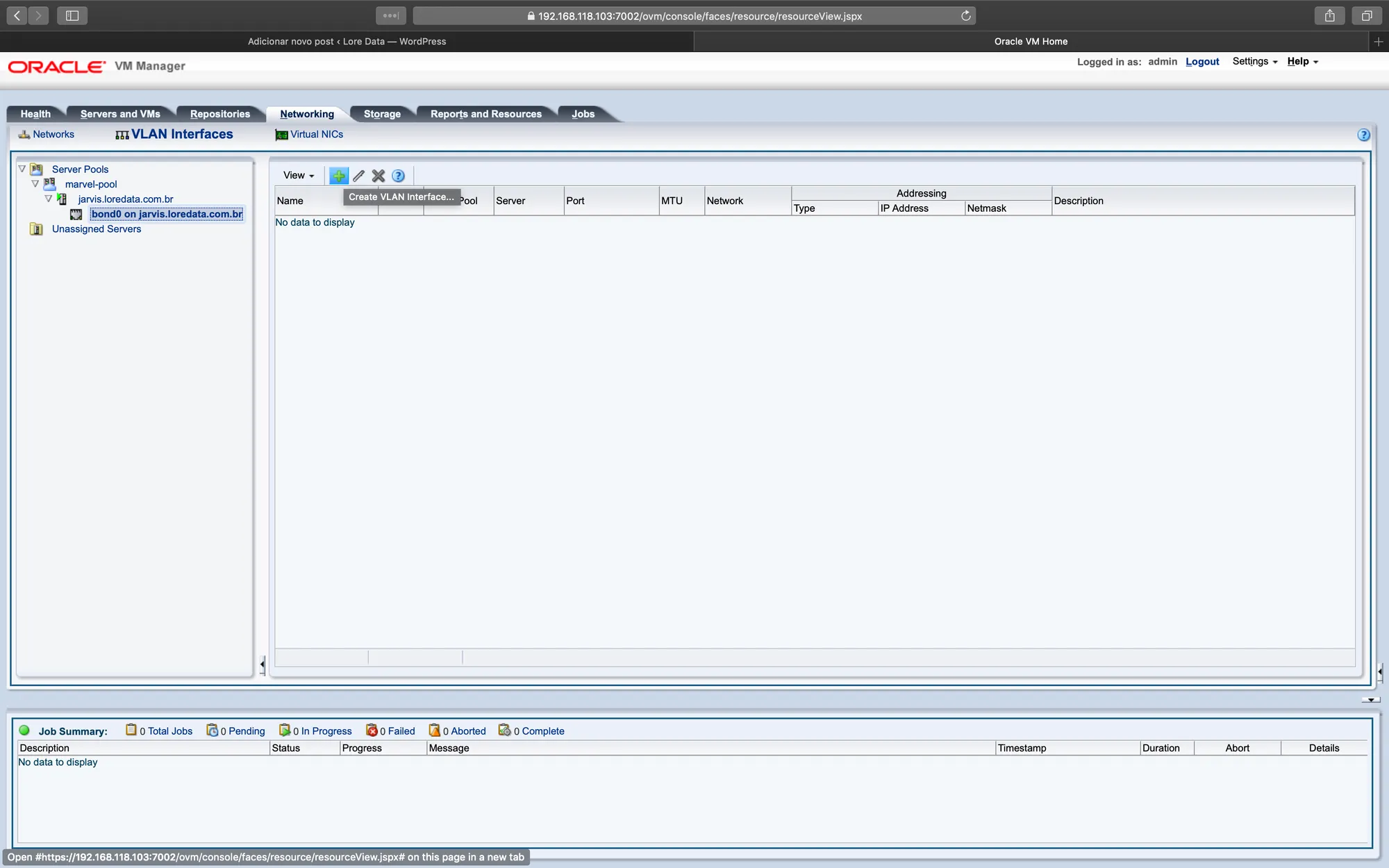
1. In the “Networking” tab, go to the “VLAN Interfaces” section and click “Create”.
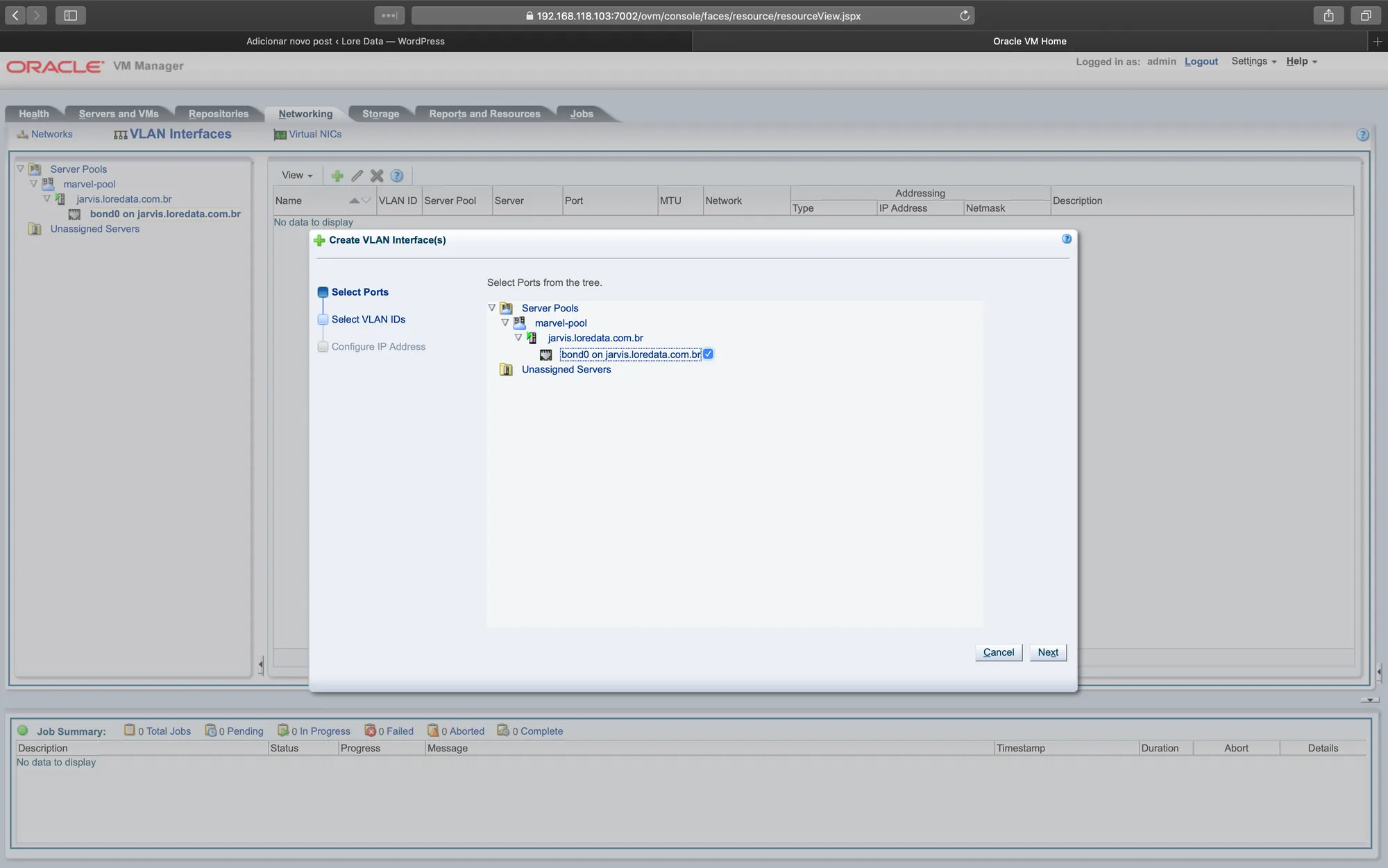
2. Select the network card of the Server or Server Pool where you want to create the VLAN.
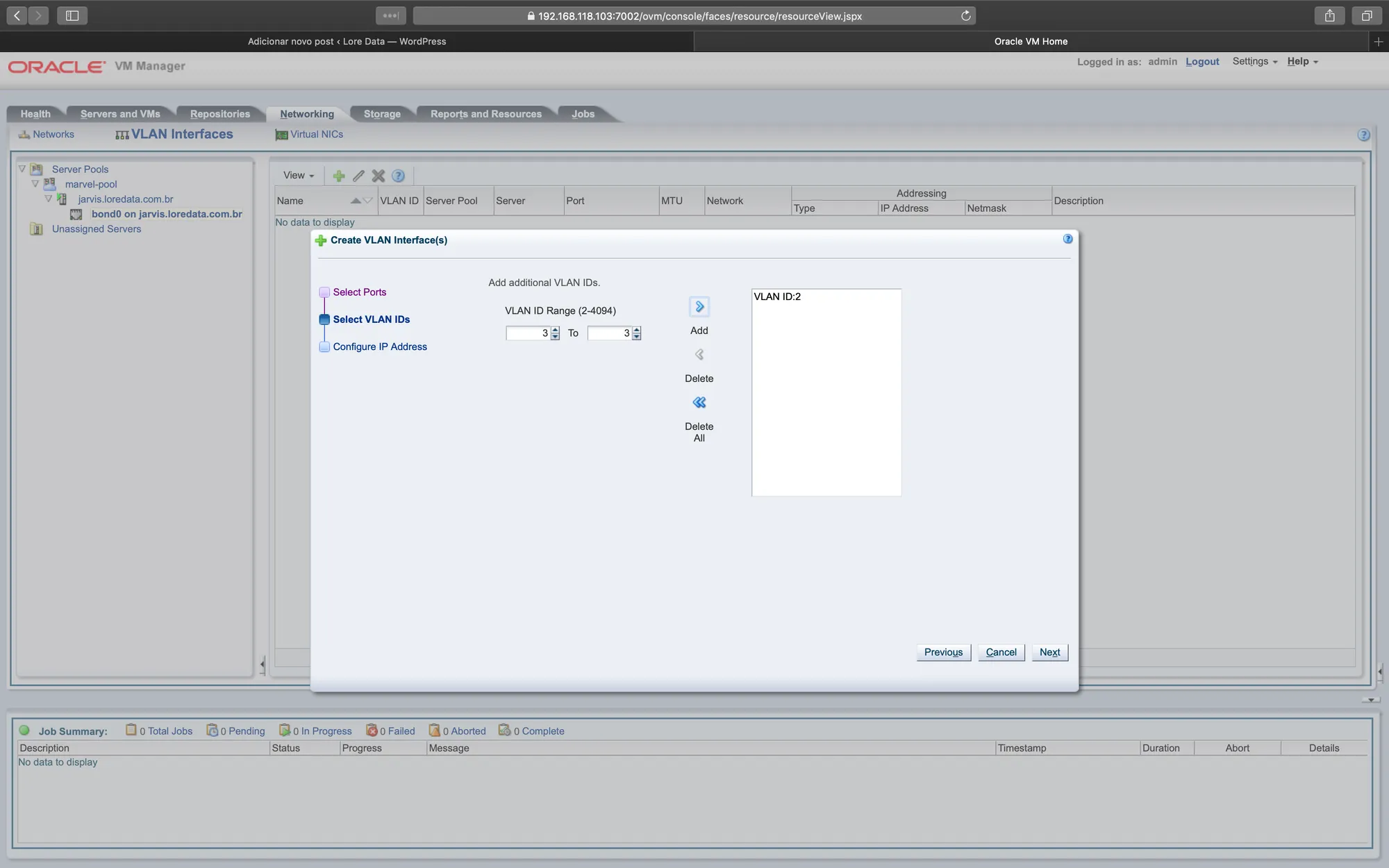
3. Choose the range of VLANs you want to create.
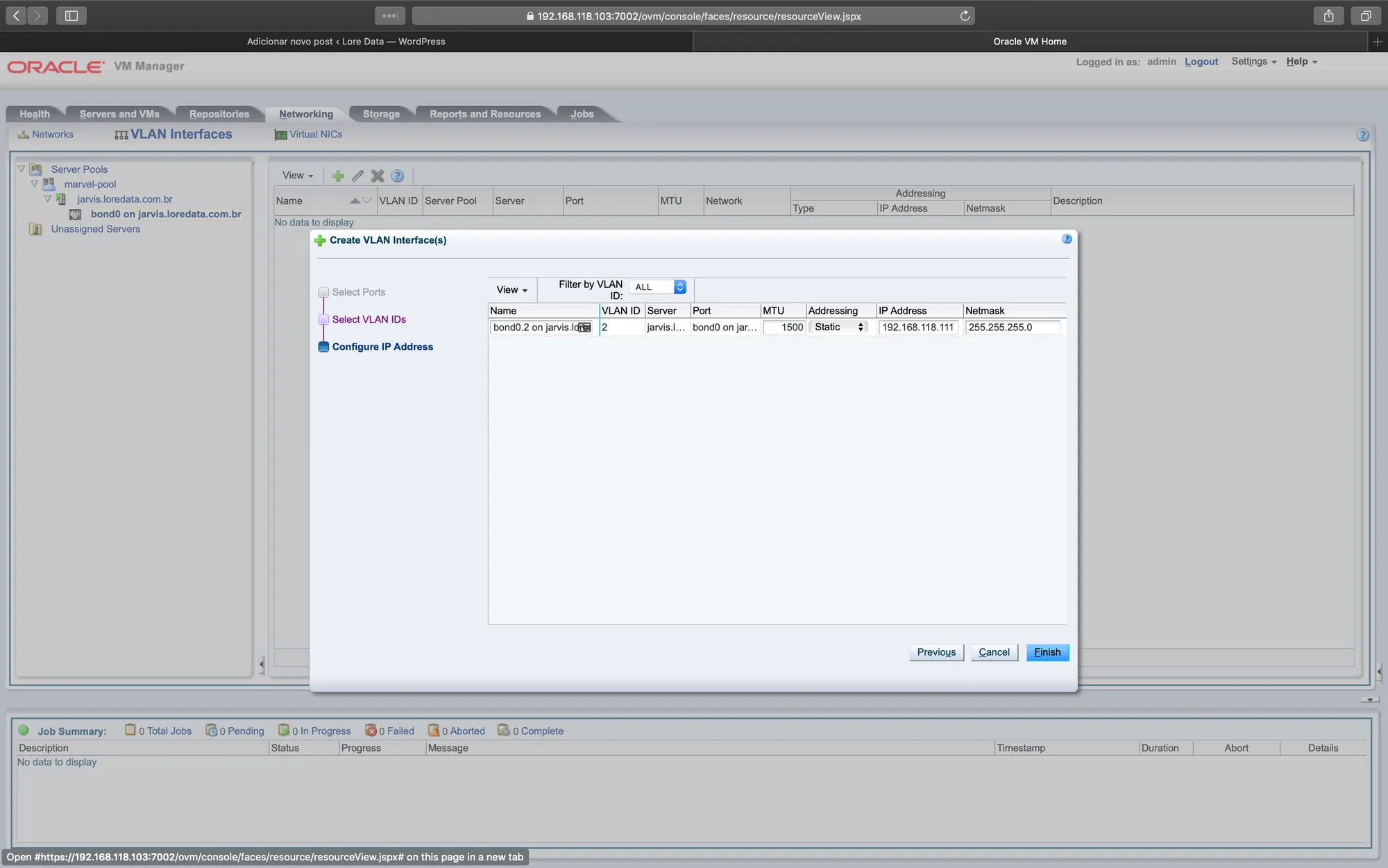
4. Set the IP address and the netmask.
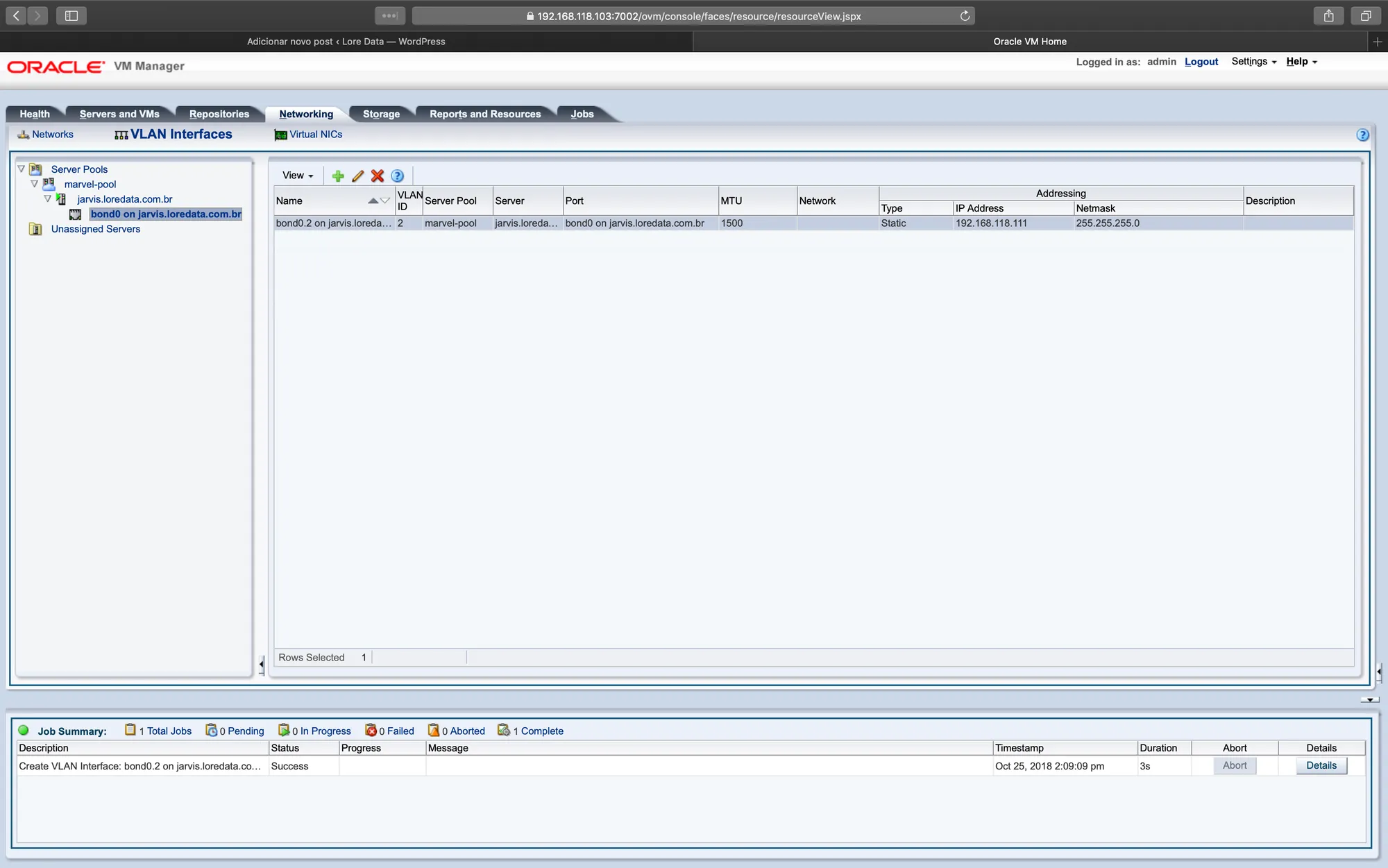
5. VLAN created successfully.
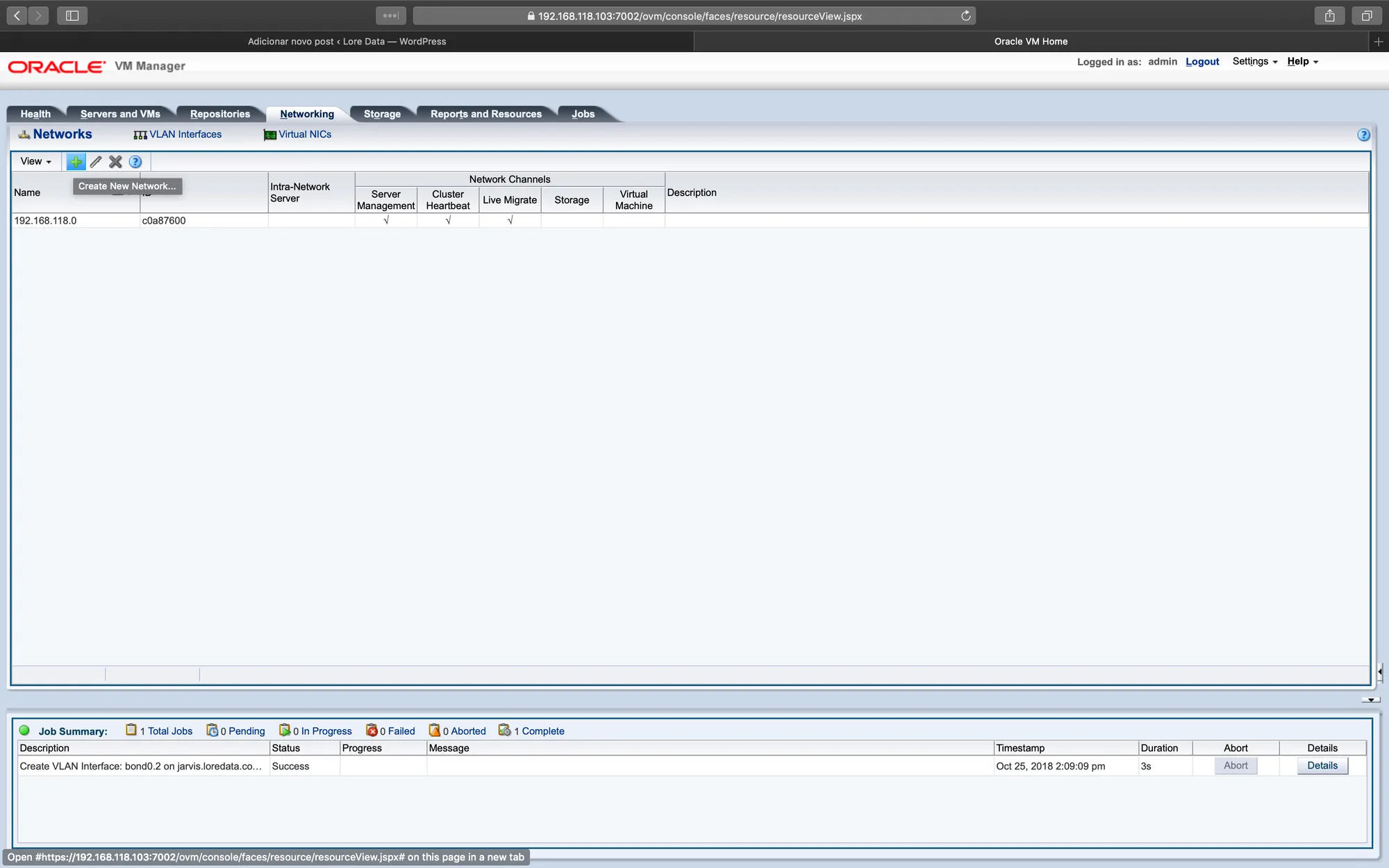
6. Still in the “Networking” tab, but now in the “Networks” section, click “Create to create the new network.
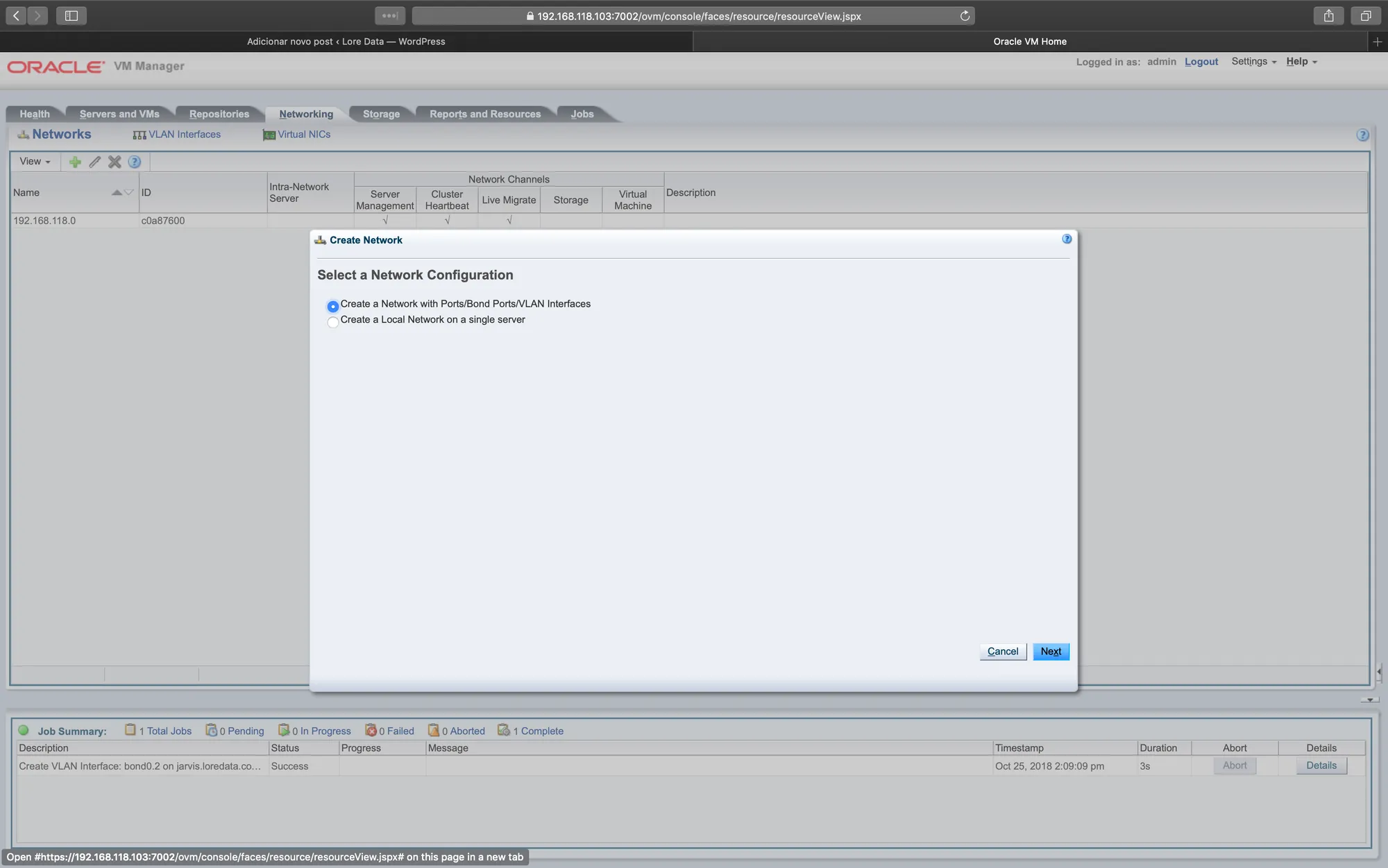
7. Select the 1st option and proceed.
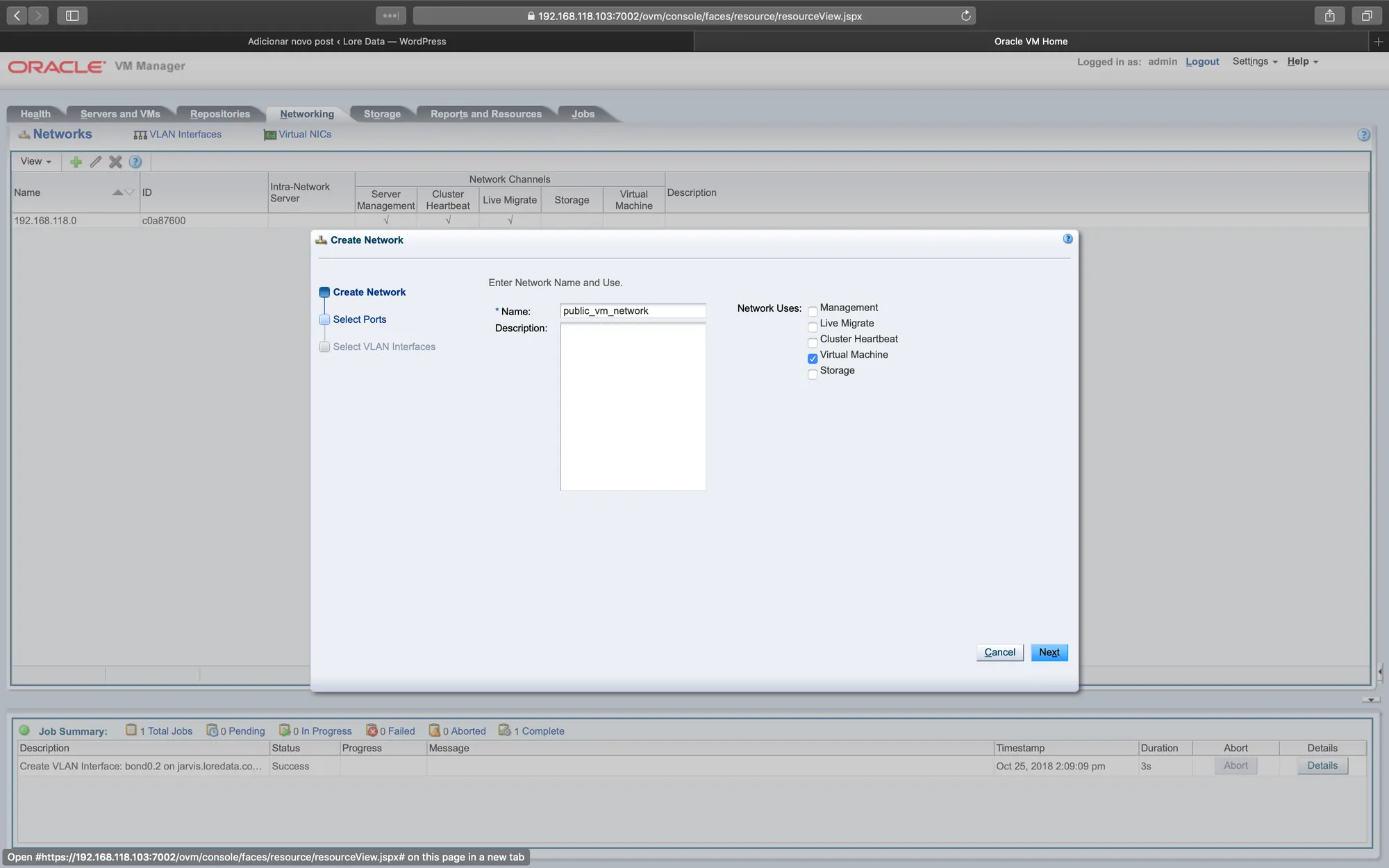
8. Set a name for the network and its use.
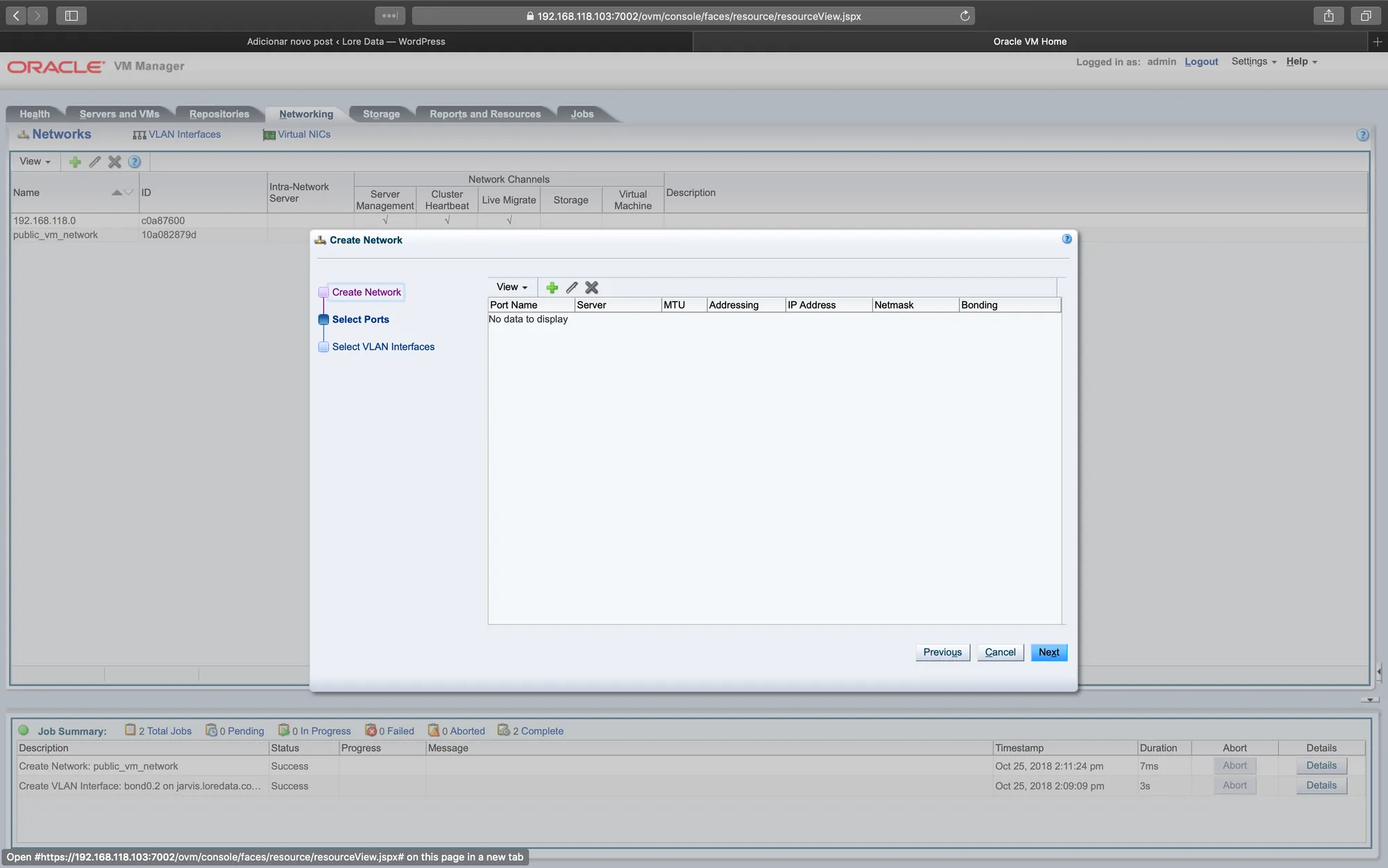
9. Skip this part if you don’t need it.
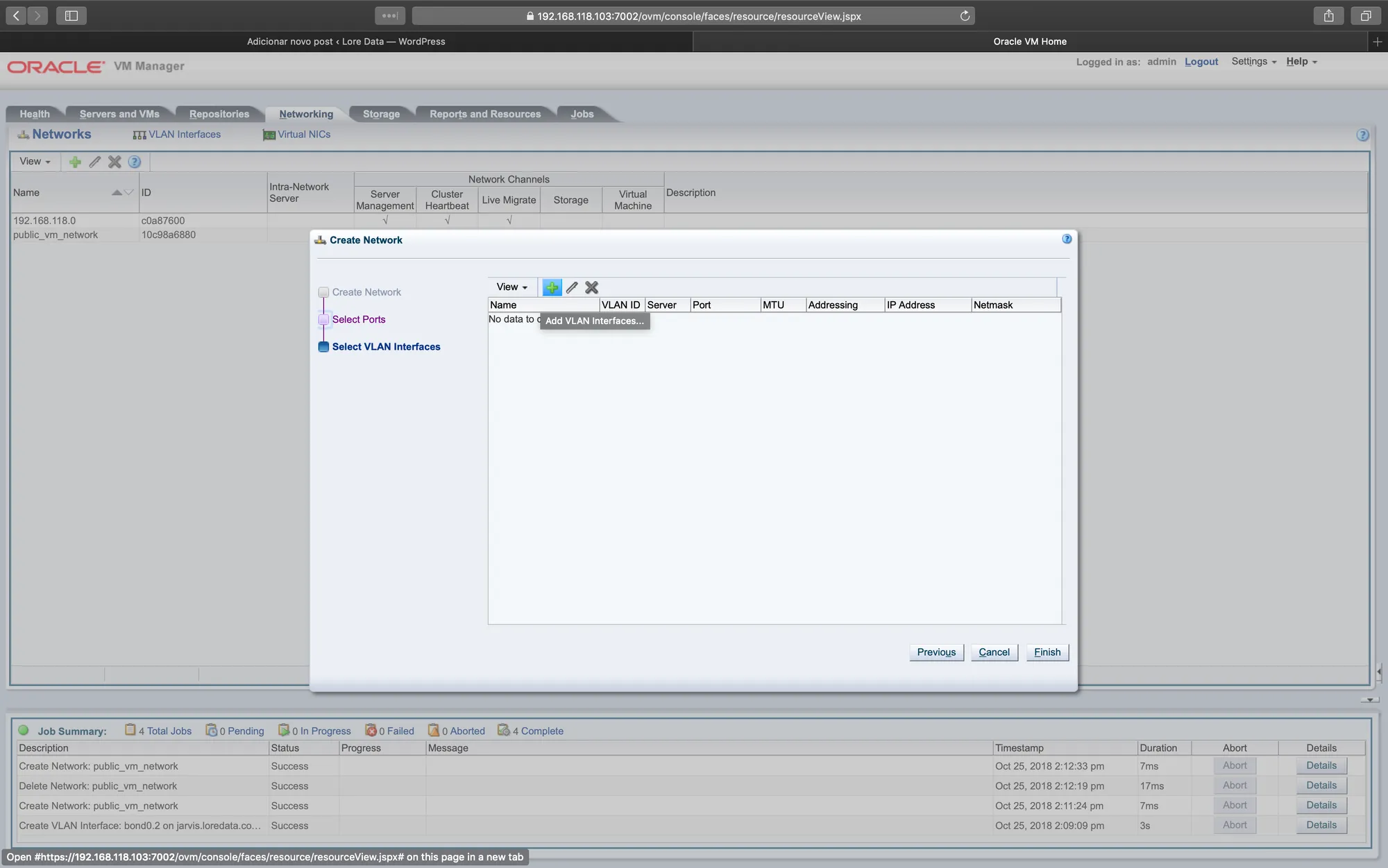
10. Click “Add VLAN Interfaces”.
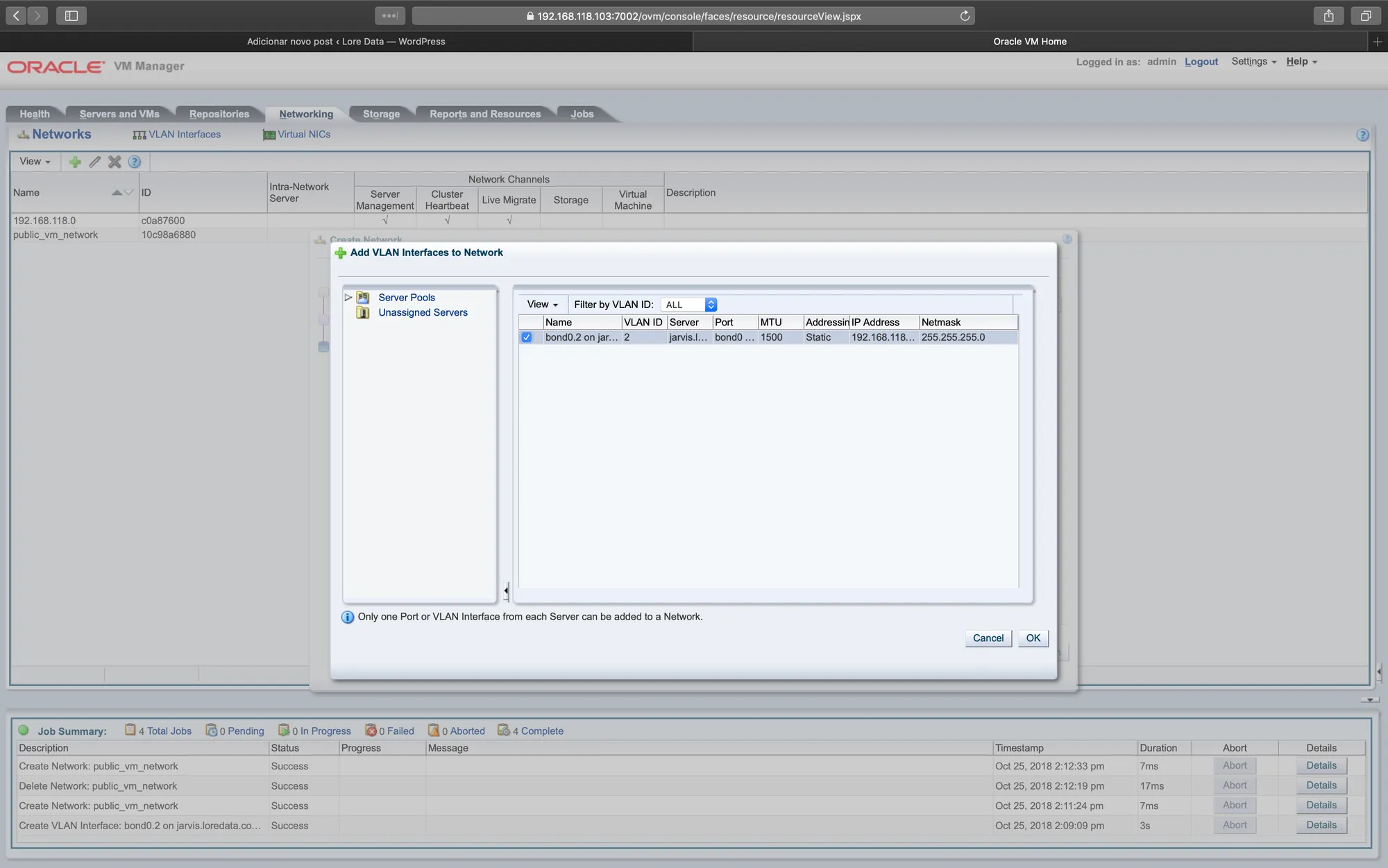
11. Select the VLAN created previously.
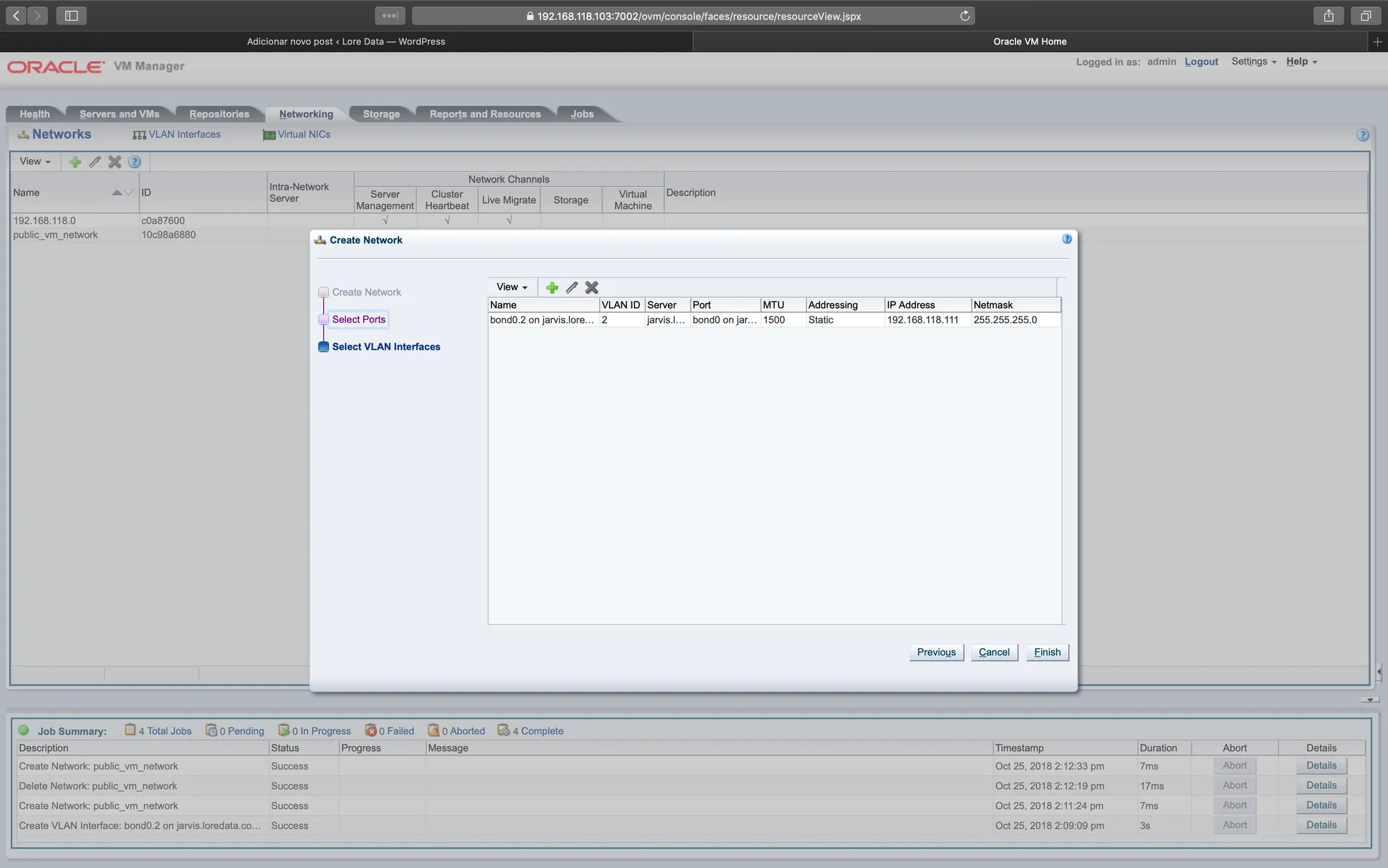
12. Confirm it is the right VLAN and click “Finish”.
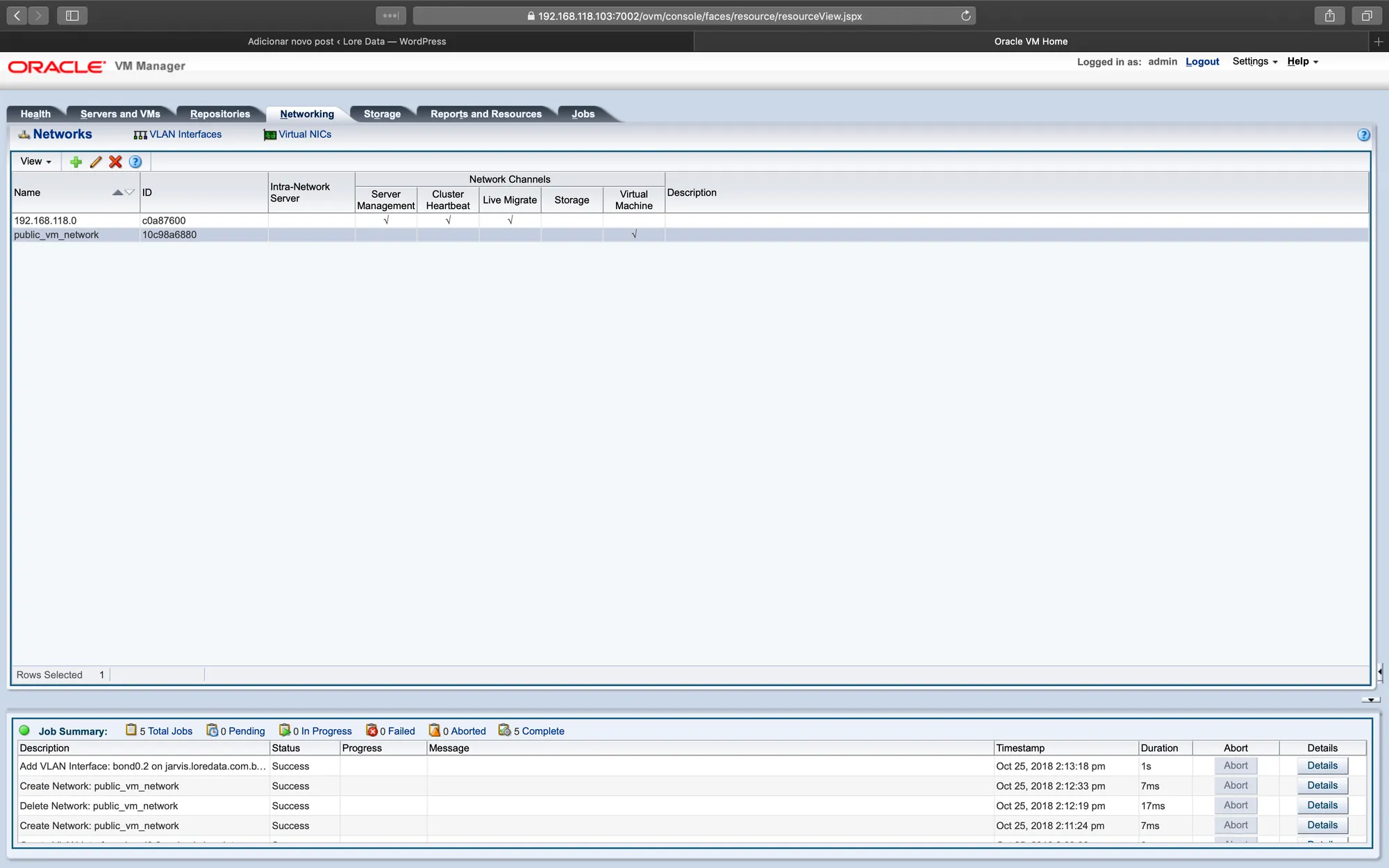
13. Network created successfully.
Cheers and see you soon,
Franky
Comments