
Hi everyone, in this post we’ll quickly see how to create a repository in our Oracle VM infrastructure.
Follow the images below to configure the repository.
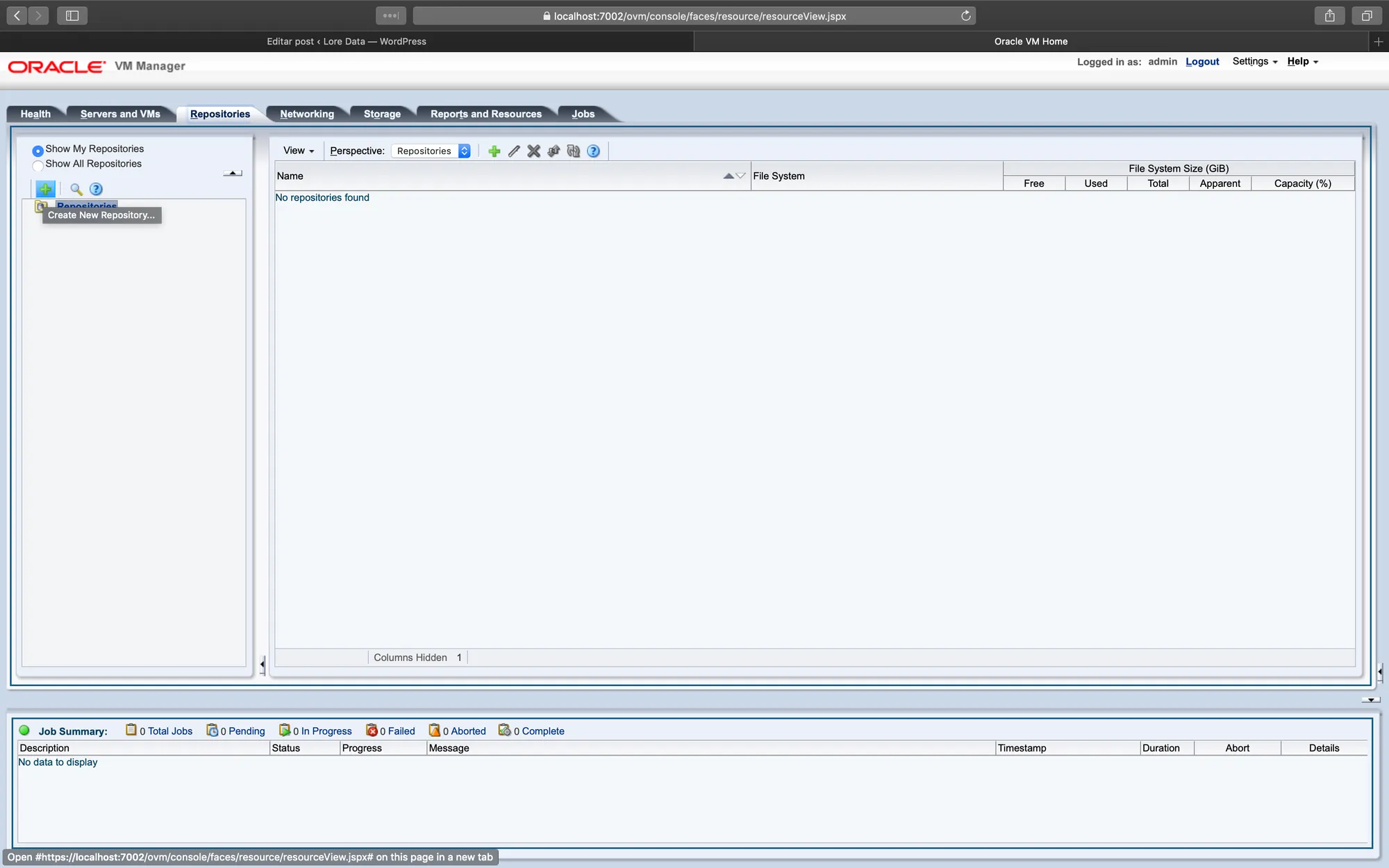
1. Click “Create repository”.
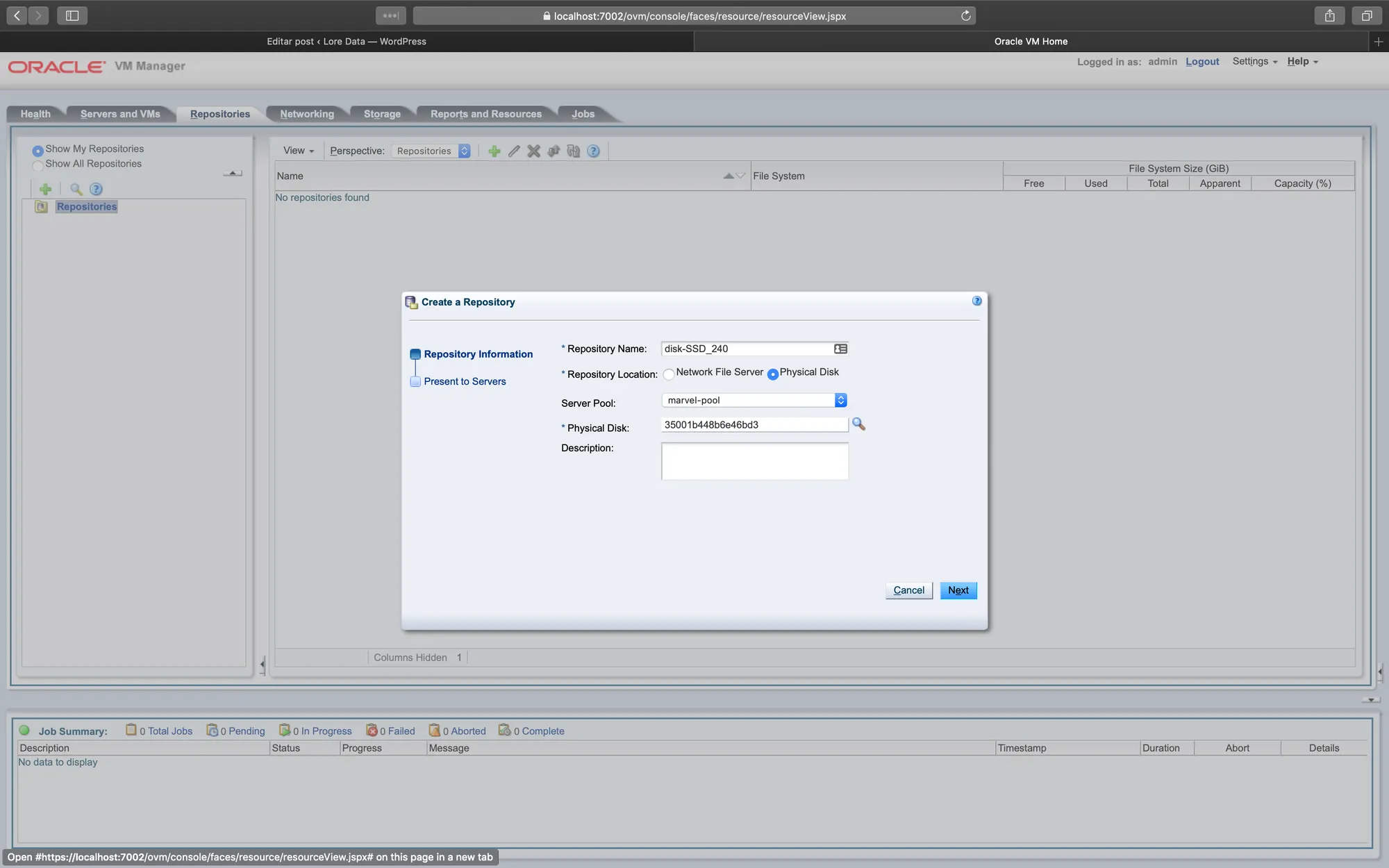
2. Set a name for the repository and choose the other settings according to your environment.
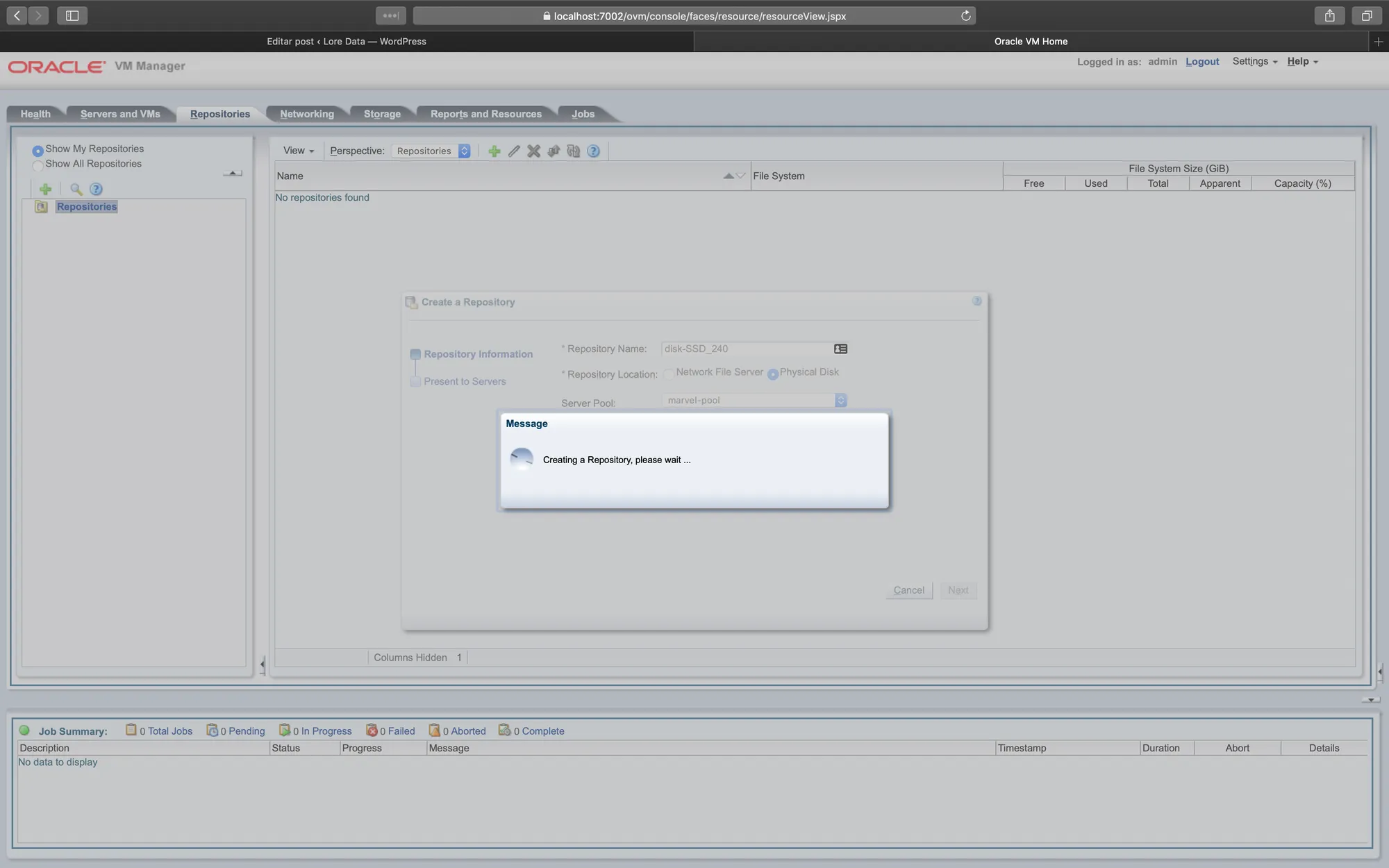
3. The repository is being created.
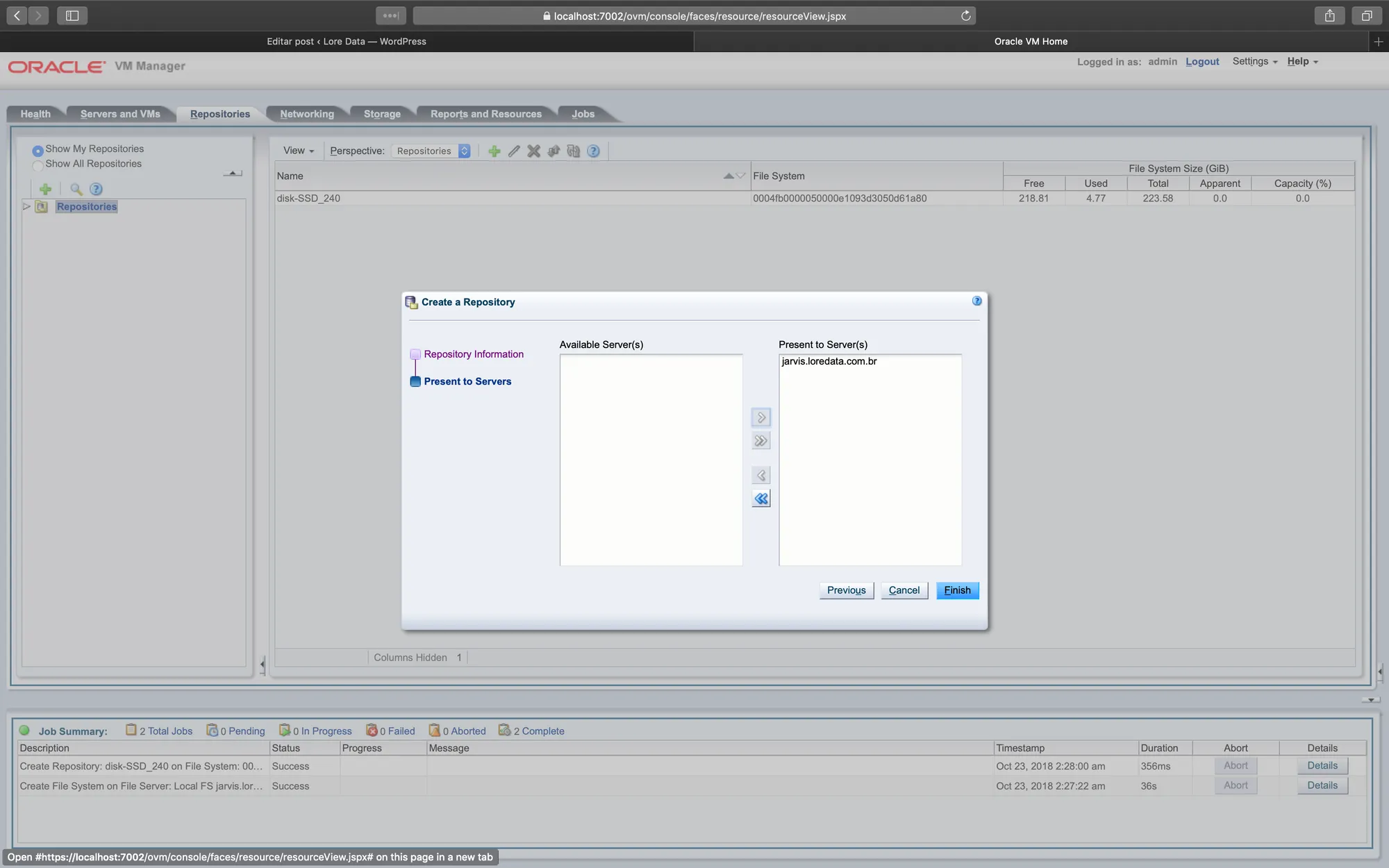
4. Assign a server to this repository.
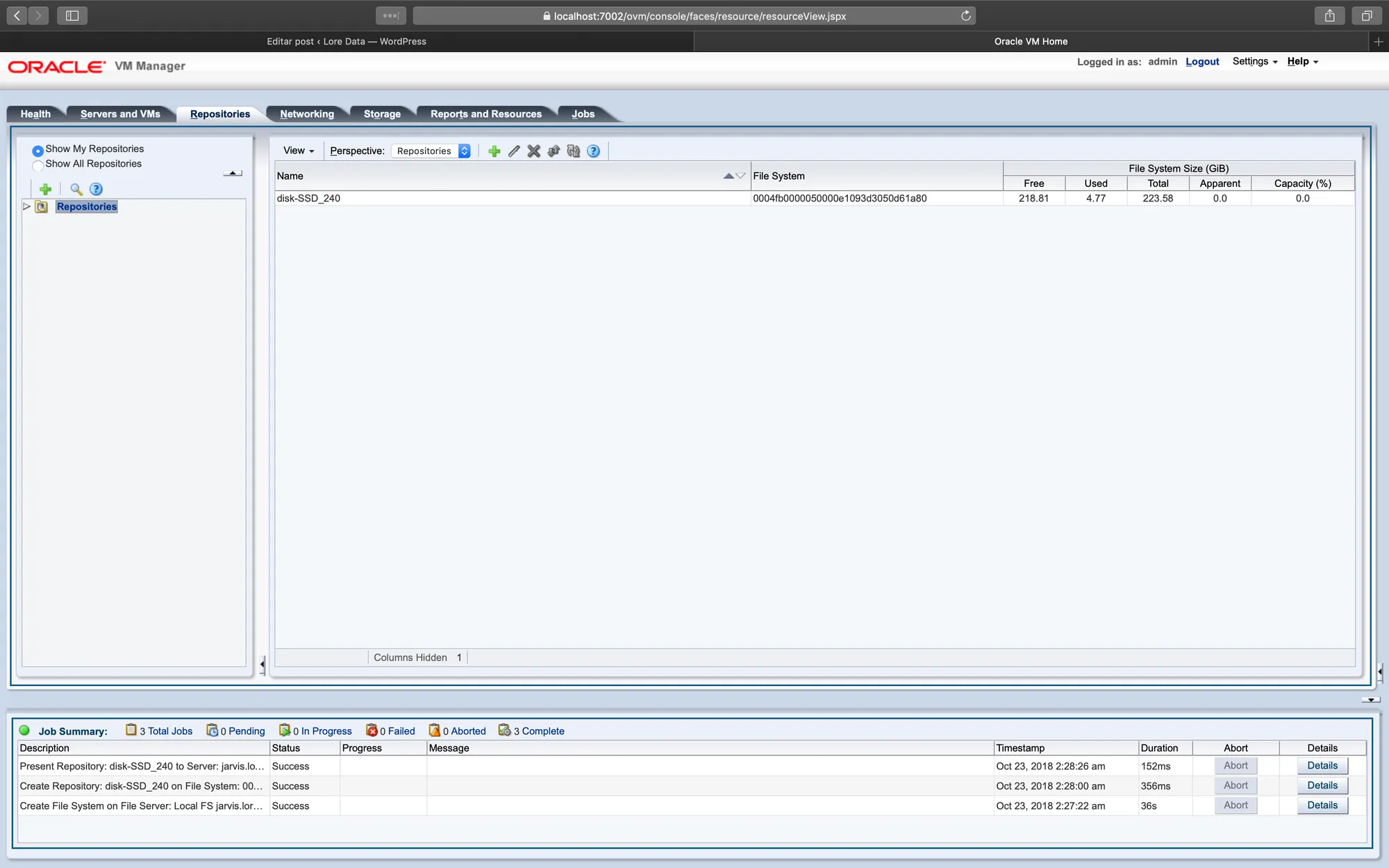
5. Repository created successfully.
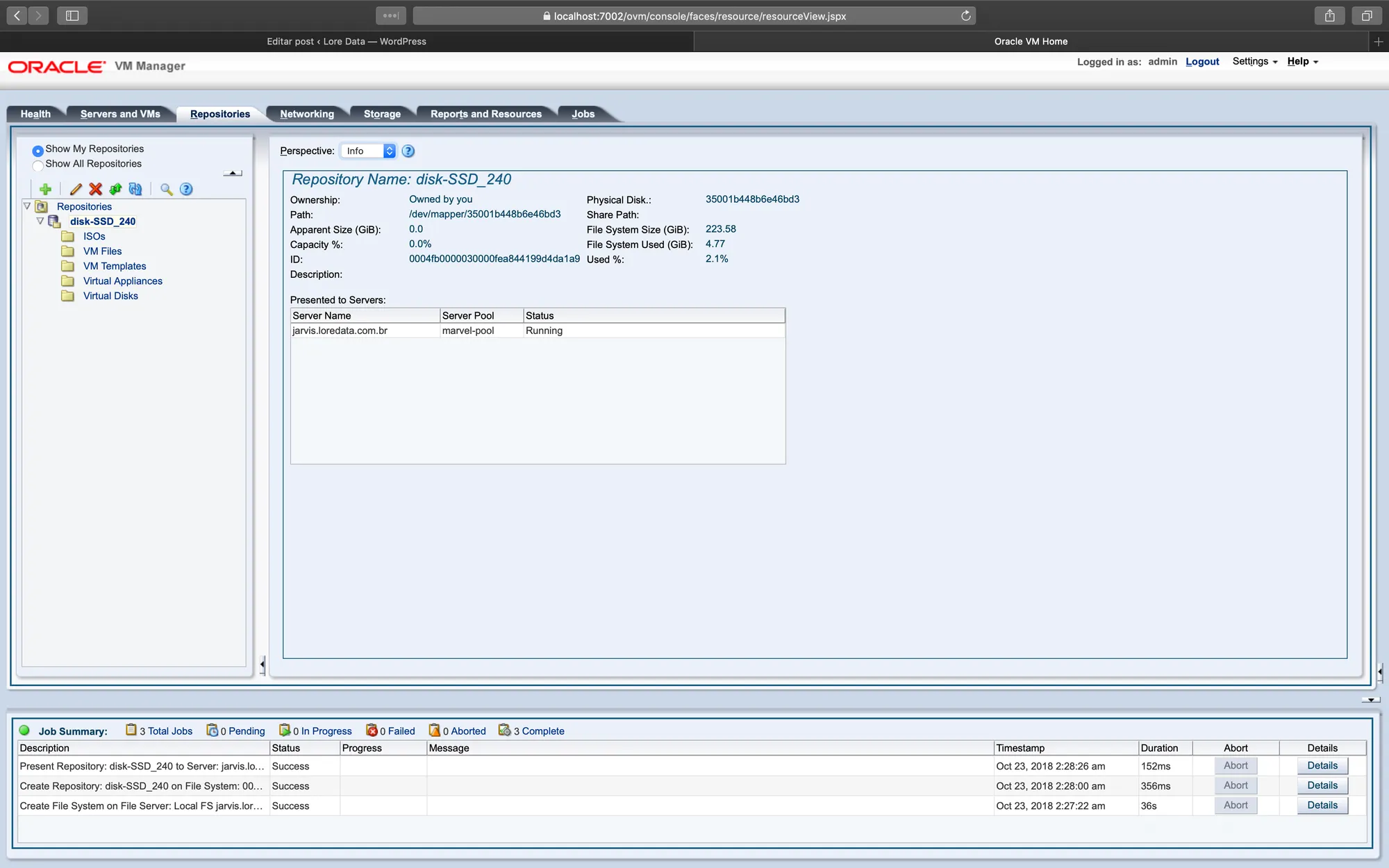
6. See more details about the newly created repository.
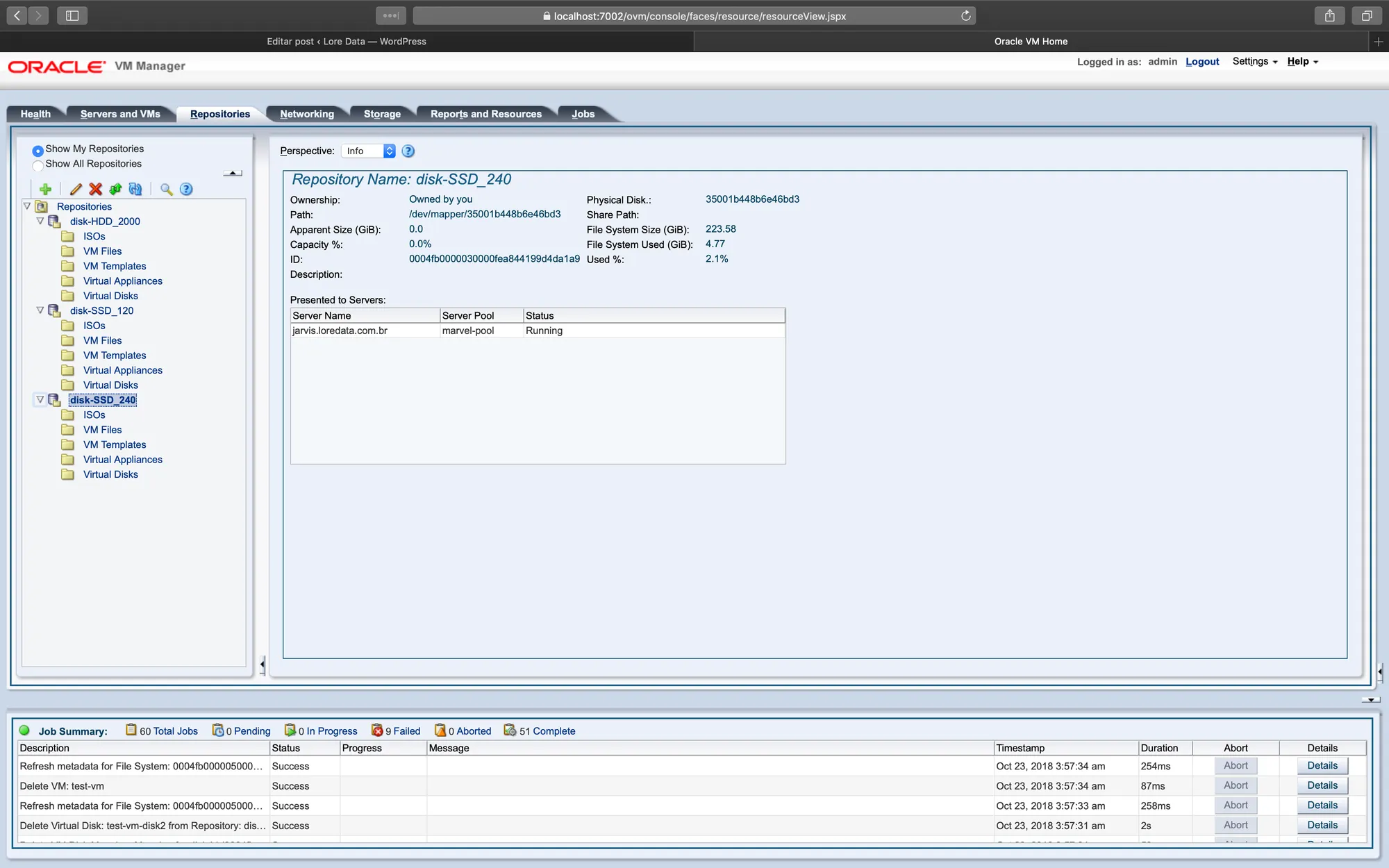
Here are a few more repositories that were created.
Note that the repositories are hosted on the Oracle VM Server jarvis.loredata.com.br.
That’s all for today, everyone.
Cheers,
Franky
Comments