
Hi everyone, in today’s post we’ll see how to discover the Oracle VM Server in order to register it in Oracle VM Manager. This has to be done so that we can manage our hypervisor server through Oracle VM Manager.
Follow the steps below to run the discovery.
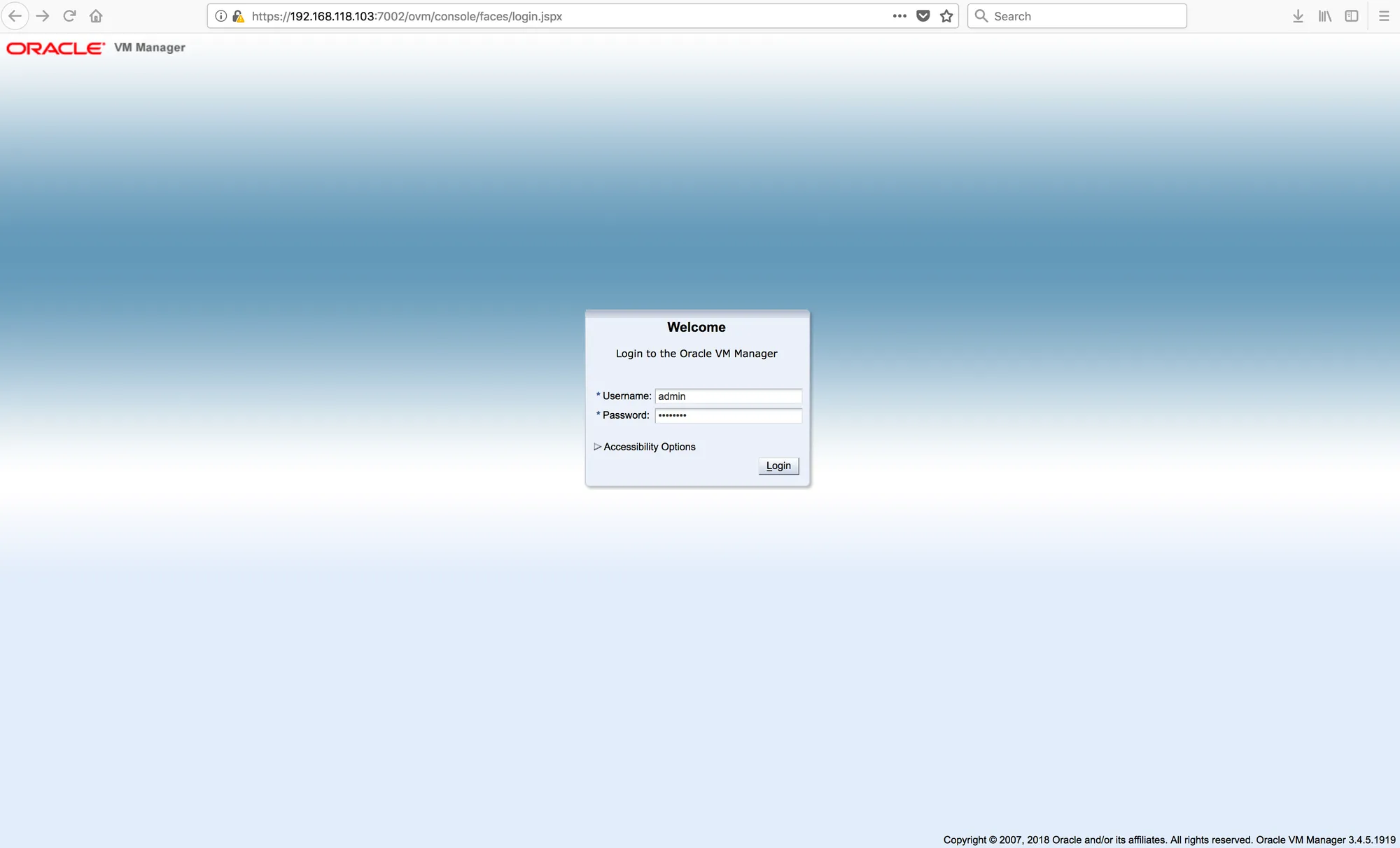
1. Log in to the Oracle VM Manager Console.
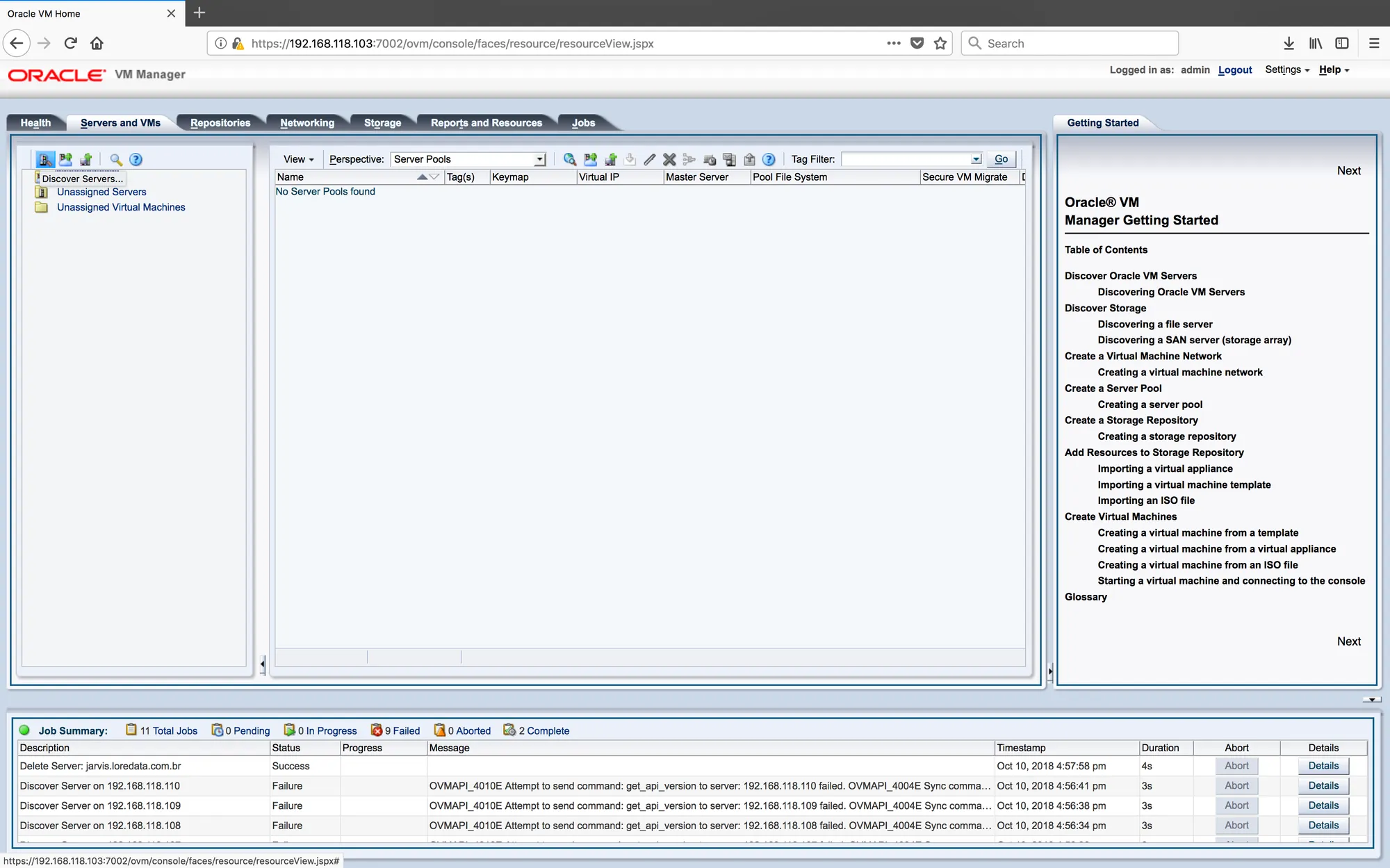
2. Click the “Discover Servers” icon.
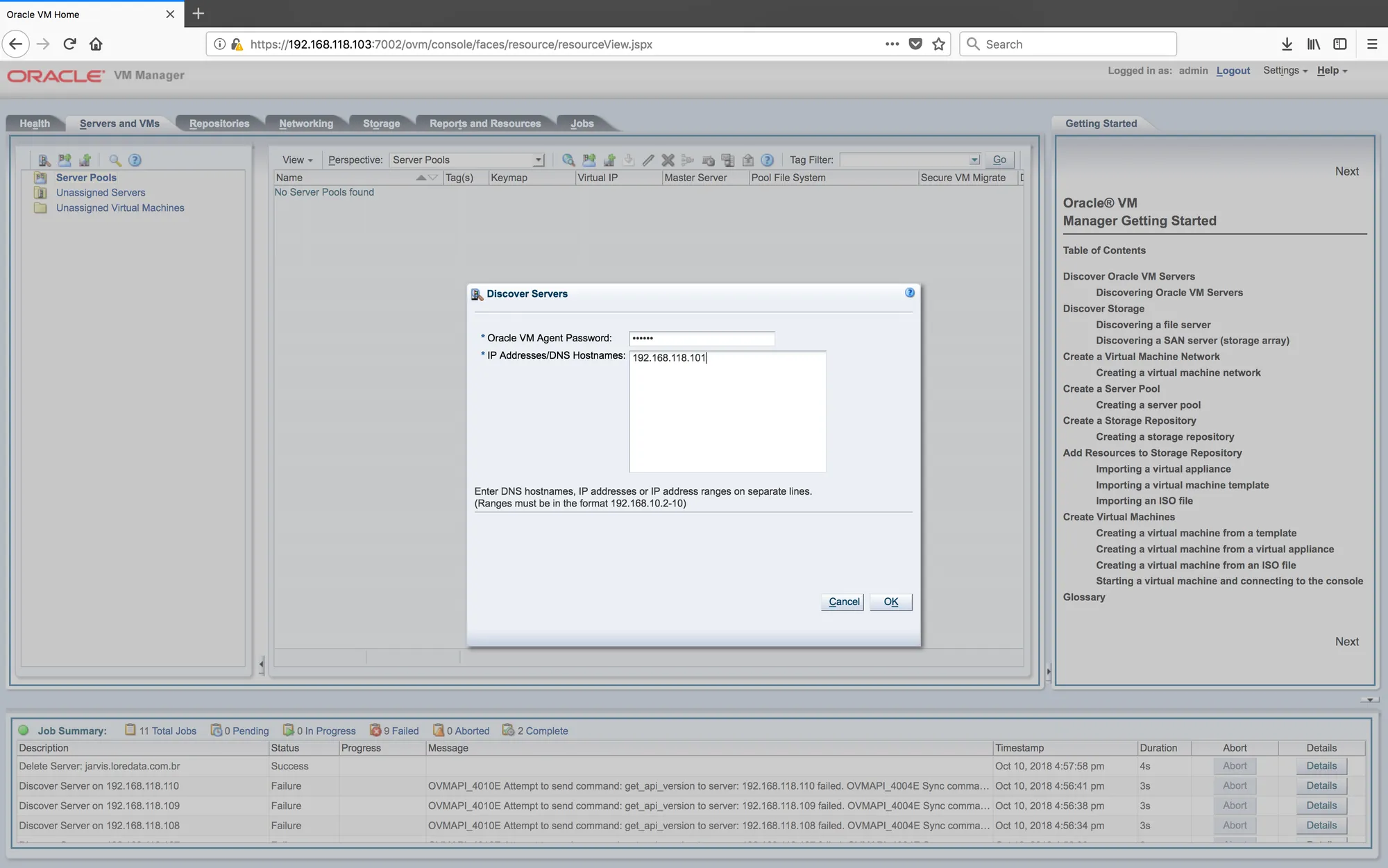
3. Enter the OVM Agent password and also the IP of the Oracle VM Server.
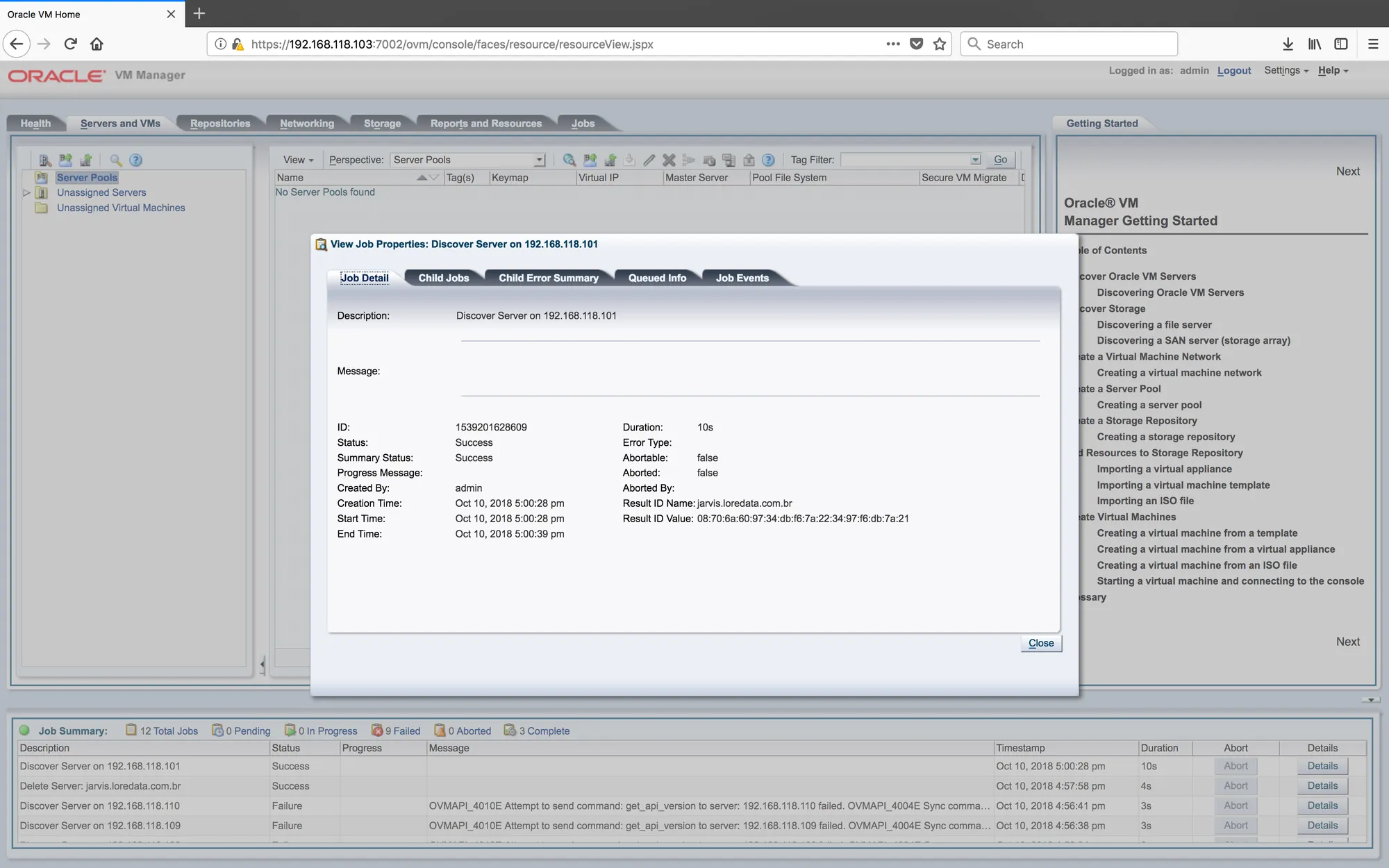
4. Click “Details” at the bottom to open the details of the discovery job.
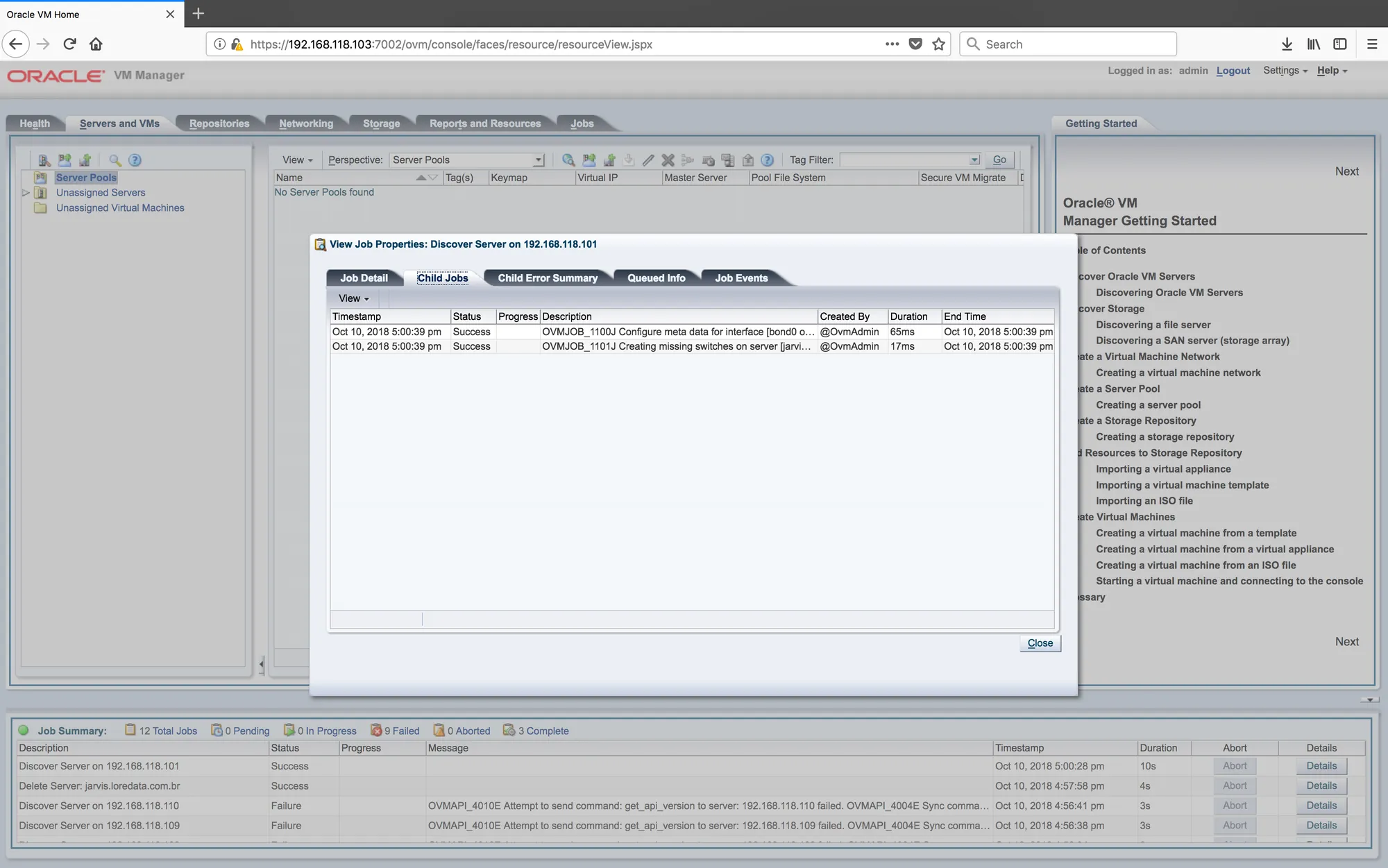
5. Look at the child jobs.
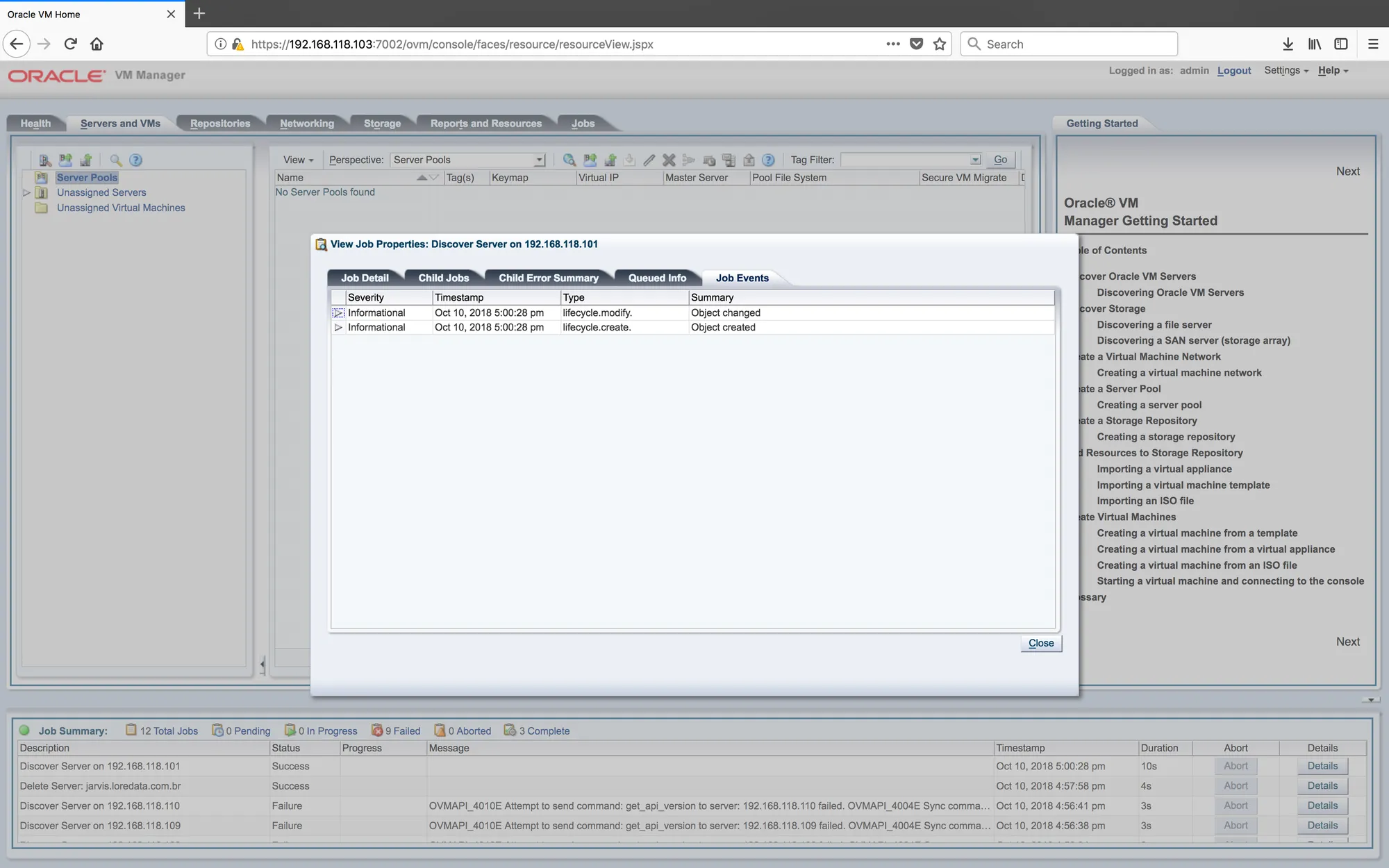
6. Check the job events.
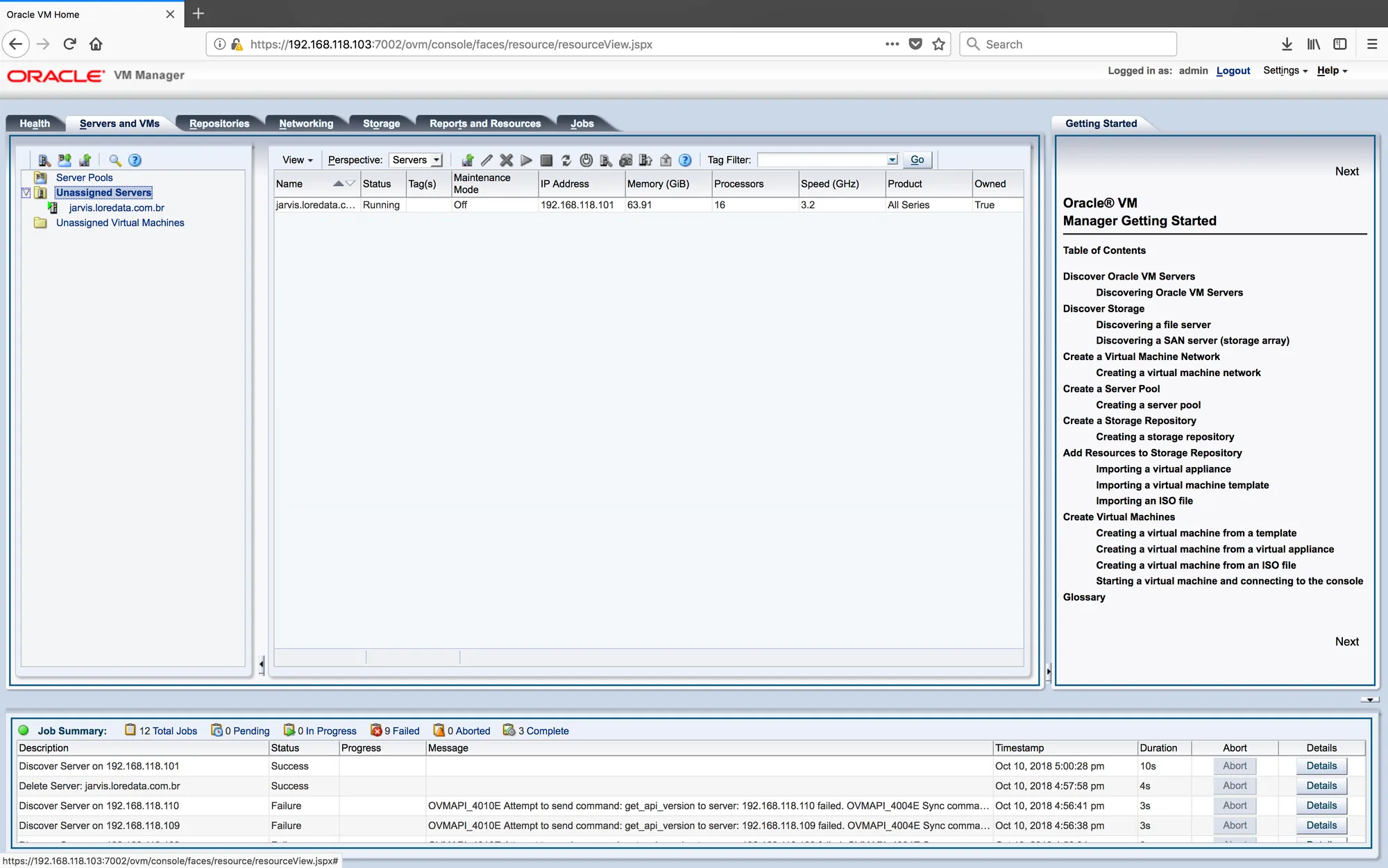
7. See that the Oracle VM Server jarvis was added to Oracle VM Manager.
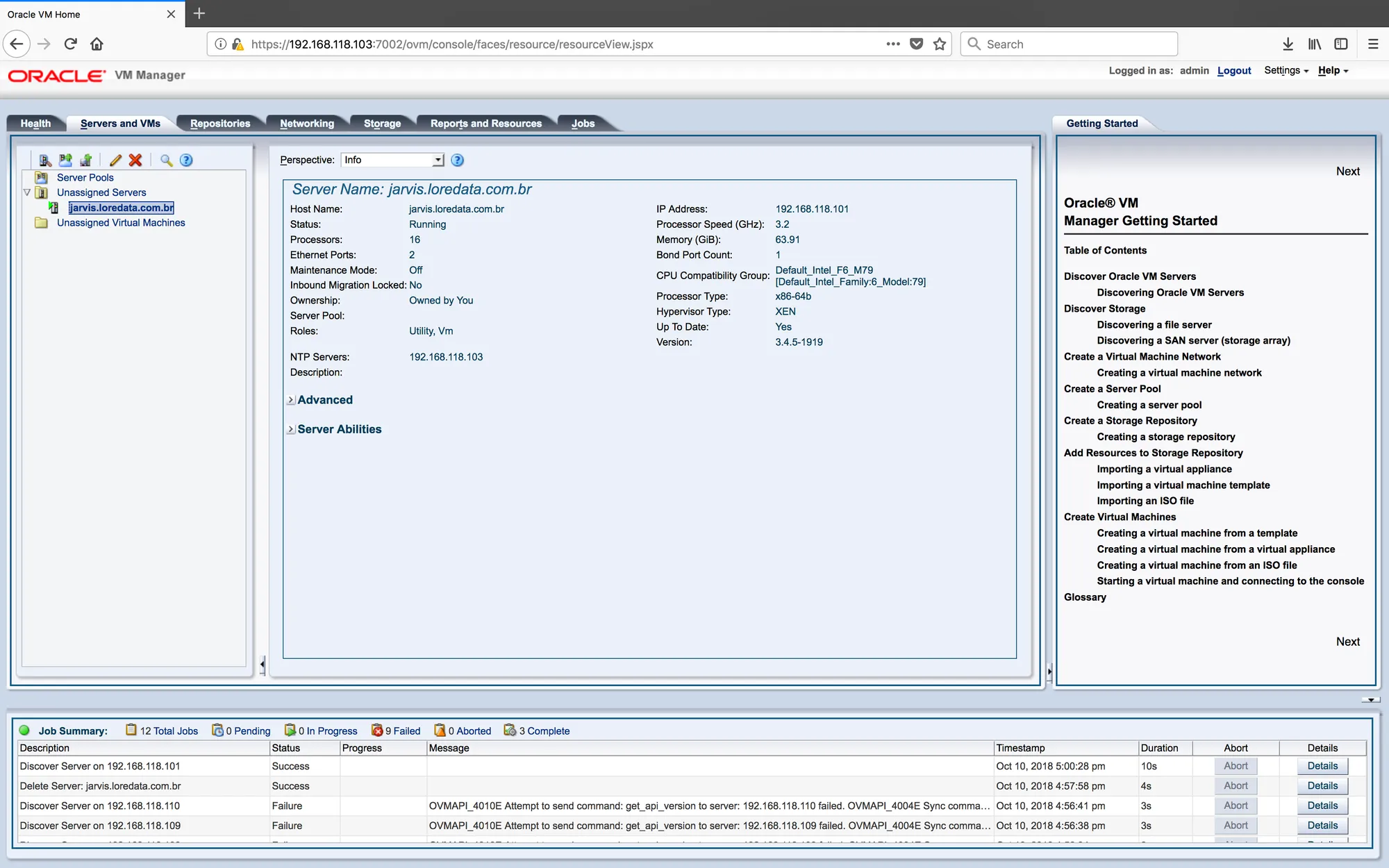
8. Click on the server name and see its details.
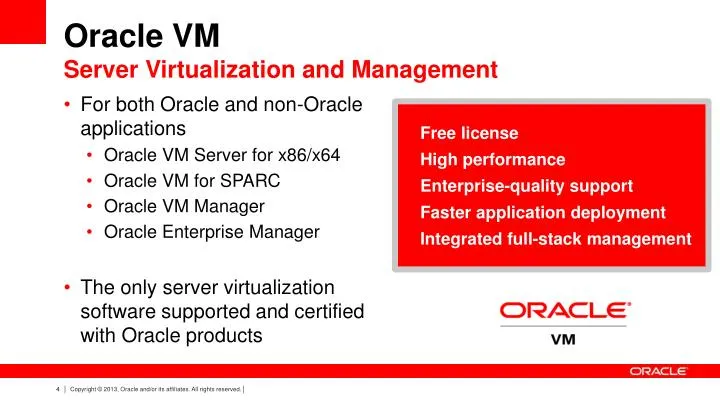
9. Some reasons to use Oracle VM.
That’s all for today. In the next post we’ll see how to create a server pool.
Cheers and see you soon,
Franky
Comments