
Hi everyone, another article was published on the OTN in the Cloud Computing section. This one was written by me and Joel Pérez.
Objective
This article shows how to replace the public and private keys associated with an Oracle Public Cloud Service with a new pair.
Introduction
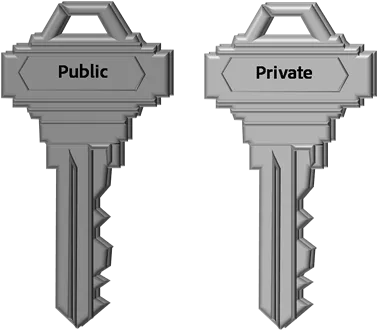
Many Oracle Public Cloud Services provide their services through VMs, which users can access through an SSH connection. To access via SSH, when you create your Oracle Public Cloud Service, you need to associate a public key with this service. Then, when you access the VM using SSH, you need to provide the private key that matches the public key. This way, even if others know the IP address to access the instance, if they do not have the private key the access will not happen. There is no user and password involved, instead whoever wants to access the VM needs to provide the private key that corresponds to the public key, which makes the process very secure.
The Oracle Public Cloud Service setup wizard can create the public/private key pair for you if you do not have a pair to use yet. If you want to change the public and private keys associated with your VM, you can do it through the Cloud console.
Some services, such as Oracle Storage Cloud Service, do not provide SSH access to the VMs. Instead, you can use REST API calls to access these services. This article covers services that allow SSH access to the VMs and therefore use public and private keys for this access.
Read the rest of the article on the OTN: http://www.oracle.com/technetwork/pt/articles/cloudcomp/alterando-chaves-publicas-privadas-3622911-ptb.html
I hope you enjoy it. Big hug and see you soon.
Franky
Comments