
Hi everyone, the goal here is very short. I will just show how to change the MySQL data directory. The procedure is very simple and consists of changing the datadir parameter in the /etc/my.cnf file, stopping the MySQL daemon, copying/moving the files to the new directory and then starting mysqld again.
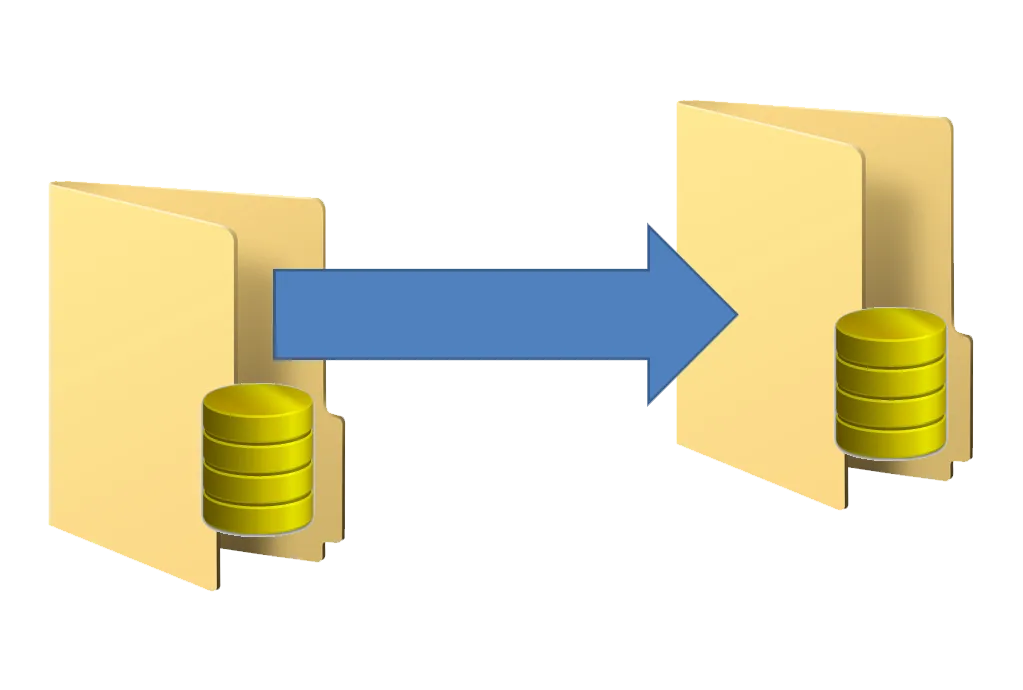
Let’s see how to do it.
Change the datadir parameter in the /etc/my.cnf file:
[root@mysql-master ~]# vi /etc/my.cnf
......
# datadir=/var/lib/mysql
datadir=/mysql
......
Note that I just commented out the old datadir and added a new entry.
Now stop the mysqld daemon:
[root@mysql-master ~]# service mysqld stop
Stopping mysqld: [ OK ]
Move the files from the source datadir to the new destination:
[root@mysql-master ~]# mv /var/lib/mysql/* /mysql/Check that all the files are in the new datadir:
[root@mysql-master ~]# ls -lh /mysql/
total 109M
-rw-r-----. 1 mysql mysql 56 Feb 14 21:46 auto.cnf
-rw-------. 1 mysql mysql 1.7K Feb 14 21:46 ca-key.pem
-rw-r--r--. 1 mysql mysql 1.1K Feb 14 21:46 ca.pem
-rw-r--r--. 1 mysql mysql 1.1K Feb 14 21:46 client-cert.pem
-rw-------. 1 mysql mysql 1.7K Feb 14 21:46 client-key.pem
-rw-r-----. 1 mysql mysql 356 Feb 17 21:43 ib_buffer_pool
-rw-r-----. 1 mysql mysql 12M Feb 17 21:43 ibdata1
-rw-r-----. 1 mysql mysql 48M Feb 17 21:43 ib_logfile0
-rw-r-----. 1 mysql mysql 48M Feb 14 21:46 ib_logfile1
drwxr-x---. 2 mysql mysql 4.0K Feb 14 21:46 mysql
drwxr-x---. 2 mysql mysql 4.0K Feb 14 21:46 performance_schema
-rw-------. 1 mysql mysql 1.7K Feb 14 21:46 private_key.pem
-rw-r--r--. 1 mysql mysql 452 Feb 14 21:46 public_key.pem
-rw-rw-r--. 1 mysql mysql 12 Feb 17 19:51 script.sql
-rw-r--r--. 1 mysql mysql 1.1K Feb 14 21:46 server-cert.pem
-rw-------. 1 mysql mysql 1.7K Feb 14 21:46 server-key.pem
-rw-rw-r--. 1 mysql mysql 8.6K Feb 17 19:52 status.txt
drwxr-x---. 2 mysql mysql 12K Feb 14 21:46 sys
drwxr-x---. 2 mysql mysql 4.0K Feb 17 20:22 world
Now just start the mysqld daemon again:
[root@mysql-master ~]# service mysqld start
Starting mysqld: [ OK ]
Nothing more for today. The idea was just a quick tip.
If you have questions, leave a comment.
Regards,
Franky
Meu arquivo my.cnf tem
!includedir /etc/mysql/conf.d/
!includedir /etc/mysql/mysql.conf.d/
Já o meu arquivo mysqld.cnf que esta dentro da pasta /etc/mysql/mysql.conf.d/
Tem:
[mysqld_safe]
socket = /var/run/mysqld/mysqld.sock
nice = 0
[mysqld]
#
# * Basic Settings
#
user = mysql
pid-file = /var/run/mysqld/mysqld.pid
socket = /var/run/mysqld/mysqld.sock
port = 3306
basedir = /usr
#basedir = /dba_primario/mysql
#datadir = /var/lib/mysql
datadir = /mysql
tmpdir = /tmp
lc-messages-dir = /usr/share/mysql
skip-external-locking
Dei a sequencia de comandos abaixo
service mysql stop
mv /var/lib/mysql/* /mysql/
service mysql start
Da o error
Job
for mysql.service failed because the control process exited with error
code. See “systemctl status mysql.service” and “journalctl -xe” for
details.